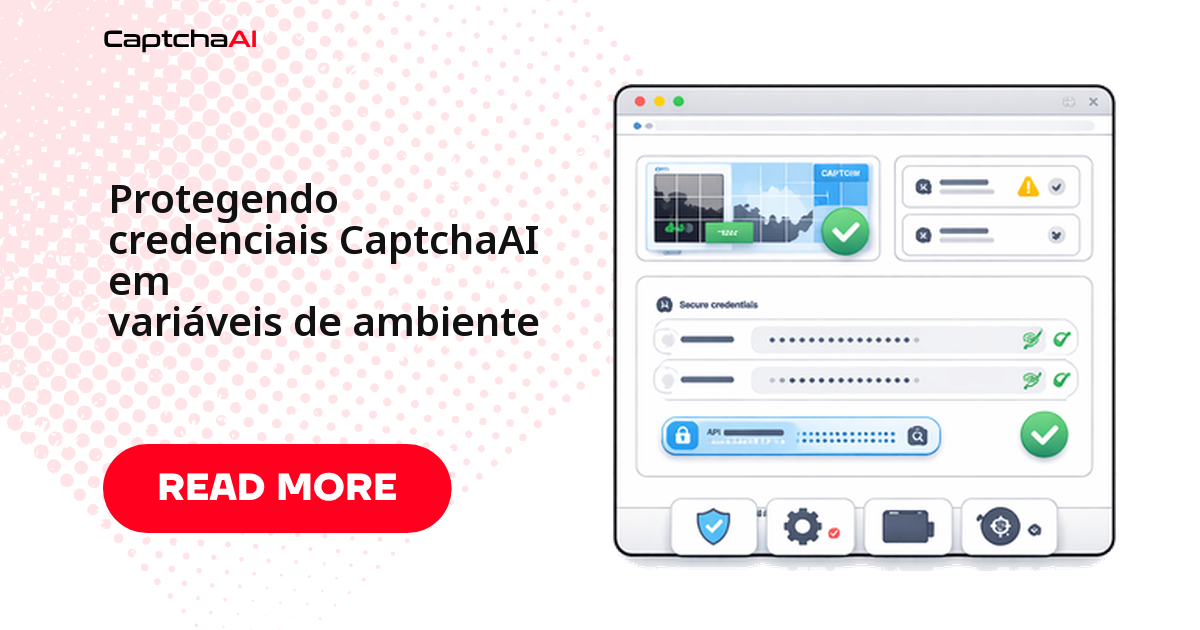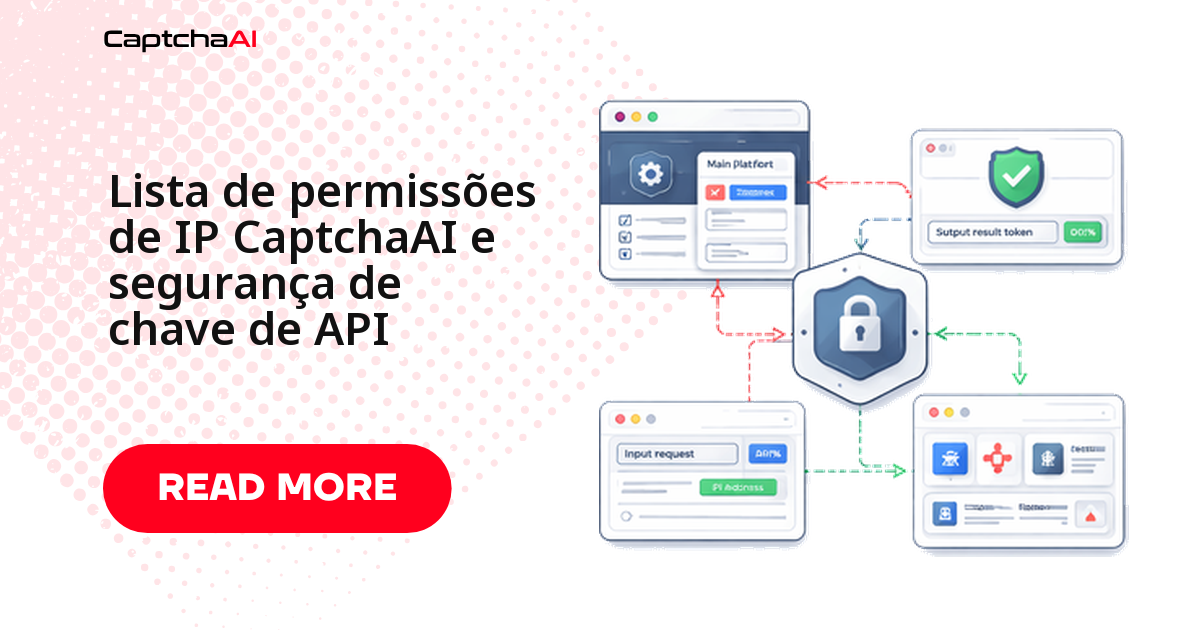
Uma chave de API exposta em repositório público costuma ser achada por scanners automatizados em minutos — e a chave da CaptchaAI dá acesso direto ao seu saldo. Este guia mostra como armazenar a chave com segurança, restringir o acesso por IP e montar uma rotina de rotação.
Neste guia você vai:
- Entender por onde as chaves costumam vazar antes que aconteça com você.
- Configurar variáveis de ambiente e um
.envfora do controle de versão. - Validar a chave com uma chamada real ao endpoint
getbalance. - Montar uma rotação sem downtime, com chave secundária pronta.
- Redigir a chave dos logs, do Docker e do pipeline de CI/CD.
Por onde as chaves de API costumam vazar
Scanners automatizados varrem repositórios públicos e imagens Docker publicadas por engano atrás de padrões como CAPTCHAAI_API_KEY=. O mapa abaixo resume os quatro caminhos mais comuns.
Exposed API key:
  ├── Leaked in Git repository
  ├── Hardcoded in client-side code
  ├── Shared in documentation
  └── Visible in logs

Impact:
  ├── Balance drained by unauthorized users
  ├── Usage spikes from abuse
  └── Key disabled by service provider
Qualquer um desses quatro caminhos basta para drenar o saldo. Trate a lista acima como checklist de auditoria, não como curiosidade.
Como armazenar a chave sem deixar rastro no código
A regra é simples: se a chave aparece em texto plano num arquivo versionado, ela já vazou — falta só alguém encontrar.
Nunca deixe a chave escrita no código-fonte
# BAD — key in source code
API_KEY = "abc123def456"  # DO NOT DO THIS

# GOOD — environment variable
import os
API_KEY = os.environ["CAPTCHAAI_API_KEY"]

# GOOD — .env file (not committed to Git)
from dotenv import load_dotenv
load_dotenv()
API_KEY = os.environ["CAPTCHAAI_API_KEY"]
Arquivo .env fora do controle de versão
# .env (add to .gitignore!)
CAPTCHAAI_API_KEY=your_api_key_here
.gitignore
# Always ignore .env files
.env
.env.local
.env.production
Gerenciadores de segredo para times maiores
Com várias pipelines e ambientes, um .env por máquina fica difícil de auditar. Ferramentas como AWS Secrets Manager ou HashiCorp Vault centralizam a chave e registram quem acessou — e a chave nunca deve aparecer em commits, mensagens de chat ou tickets de suporte.
Carregando a chave a partir do ambiente, com validação
A classe abaixo falha rápido se a chave não estiver definida, em vez de deixar o erro aparecer só na primeira chamada real.
import os


class CaptchaConfig:
    """Load CaptchaAI config from environment."""

    def __init__(self):
        self.api_key = os.environ.get("CAPTCHAAI_API_KEY")
        if not self.api_key:
            raise EnvironmentError(
                "CAPTCHAAI_API_KEY not set. "
                "Set it in your environment or .env file."
            )
        self.base_url = os.environ.get(
            "CAPTCHAAI_URL", "https://ocr.captchaai.com"
        )

    def validate(self):
        """Verify the API key works."""
        import requests
        resp = requests.get(f"{self.base_url}/res.php", params={
            "key": self.api_key,
            "action": "getbalance",
            "json": 1,
        }, timeout=10)
        data = resp.json()
        if data.get("status") != 1:
            raise RuntimeError(f"Invalid API key: {data.get('request')}")
        return float(data["request"])


# Usage
config = CaptchaConfig()
balance = config.validate()
print(f"Key valid, balance: ${balance:.2f}")
O validate() confirma três coisas antes de qualquer solve real:
- Que a chave existe no ambiente.
- Que o endpoint reconhece a chave.
- Que o saldo retornado é maior que zero.
Rotação de chave: quando trocar e como não travar produção
Trate a rotação como rotina, não como resposta a incidente. Uma chave secundária configurada de antemão evita downtime na troca:
import os
import datetime


class KeyManager:
    """Manage API key rotation."""

    def __init__(self):
        self.primary_key = os.environ.get("CAPTCHAAI_API_KEY")
        self.secondary_key = os.environ.get("CAPTCHAAI_API_KEY_BACKUP")
        self.active_key = self.primary_key

    def get_key(self):
        return self.active_key

    def rotate(self):
        """Switch to secondary key."""
        if self.secondary_key:
            self.active_key = self.secondary_key
            print("Rotated to secondary key")
        else:
            print("No secondary key configured")

    def test_key(self, key):
        """Verify a key is valid."""
        import requests
        resp = requests.get("https://ocr.captchaai.com/res.php", params={
            "key": key, "action": "getbalance", "json": 1,
        }, timeout=10)
        return resp.json().get("status") == 1


# Usage
keys = KeyManager()

# If primary fails, rotate to secondary
if not keys.test_key(keys.get_key()):
    keys.rotate()
Um cronograma trimestral é um ponto de partida razoável; encurte para mensal se várias pessoas compartilham a mesma chave.
Rotacione imediatamente, fora do cronograma, quando:
- A chave apareceu em um log, ticket ou repositório público.
- Alguém saiu do time e tinha acesso a ela.
- O saldo caiu de um jeito que não bate com o uso esperado.
Validando a requisição antes de enviar
Valide antes de enviar:
import requests
import logging

logger = logging.getLogger(__name__)


class SecureSolver:
    """Solver with security best practices."""

    def __init__(self, api_key):
        self.api_key = api_key
        self.base = "https://ocr.captchaai.com"

    def solve(self, method, **params):
        # Validate inputs
        self._validate_params(method, params)

        data = {"key": self.api_key, "method": method, "json": 1}
        data.update(params)

        # Log without exposing key
        logger.info(
            "Submitting %s solve for %s",
            method, params.get("pageurl", "unknown"),
        )

        resp = requests.post(
            f"{self.base}/in.php", data=data, timeout=30,
        )
        return resp.json()

    def _validate_params(self, method, params):
        """Prevent common security mistakes."""
        # Ensure pageurl is a valid URL
        pageurl = params.get("pageurl", "")
        if pageurl and not pageurl.startswith(("http://", "https://")):
            raise ValueError(f"Invalid pageurl: {pageurl}")

        # Ensure method is valid
        valid_methods = {
            "userrecaptcha", "turnstile", "geetest",
            "base64", "post", "bls", "turnstile_staging",
        }
        if method not in valid_methods:
            raise ValueError(f"Unknown method: {method}")
O que a validação evita
Sem essa checagem, uma pageurl mal formada chega ao in.php e consome uma tentativa de resolução à toa.
Logs que não vazam a chave
Redigir a chave nos logs também ajuda a manter a retenção de logs alinhada com a LGPD.
import logging
import re

logger = logging.getLogger(__name__)


class SafeFormatter(logging.Formatter):
    """Redact API keys from log messages."""

    KEY_PATTERN = re.compile(r'[a-f0-9]{32}', re.IGNORECASE)

    def format(self, record):
        msg = super().format(record)
        return self.KEY_PATTERN.sub("[REDACTED]", msg)


# Configure safe logging
handler = logging.StreamHandler()
handler.setFormatter(SafeFormatter("%(levelname)s: %(message)s"))
logger.addHandler(handler)
logger.setLevel(logging.INFO)

# Key is automatically redacted in logs
logger.info(f"Using key: abc123def456ghi789jkl012mno345pq")
# Output: INFO: Using key: [REDACTED]
Testando a redação em CI
Adicione um teste que grave um log com chave falsa e confirme que [REDACTED] aparece na saída.
Segredos em containers Docker
A chave embutida na camada de build fica exposta mesmo que o Dockerfile "pareça" limpo. Injete a chave em tempo de execução:
# Dockerfile — DO NOT embed keys here
FROM python:3.11-slim
WORKDIR /app
COPY . .
RUN pip install requests
CMD ["python", "solver.py"]
# docker-compose.yml
services:
  solver:
    build: .
    environment:

      - CAPTCHAAI_API_KEY=${CAPTCHAAI_API_KEY}
    # Or use Docker secrets:
    secrets:

      - captchaai_key

secrets:
  captchaai_key:
    file: ./secrets/captchaai_key.txt
O mesmo princípio vale em Kubernetes: chave como Secret via secretKeyRef, nunca como ConfigMap em texto plano.
Segurança no pipeline de CI/CD
Imagine uma scale-up com workers de automação autorizada em sa-east-1 na AWS: se a chave vazar de um notebook, ela funciona em qualquer região do mundo — a menos que a lista de permissões de IP esteja ativa.
GitHub Actions
# .github/workflows/test.yml
jobs:
  test:
    runs-on: ubuntu-latest
    steps:

      - uses: actions/checkout@v4
      - name: Run tests
        env:
          CAPTCHAAI_API_KEY: ${{ secrets.CAPTCHAAI_API_KEY }}
        run: python test_solver.py
Nunca deixe o segredo aparecer na saída do CI — nem em texto de erro, nem em echo de debug.
Outras plataformas de CI
O mesmo princípio vale fora do GitHub Actions: no GitLab CI use masked variables, no CircleCI use contexts. Em runners self-hosted compartilhados, confirme que o secret não fica em cache reutilizado entre jobs.
Erros comuns que levam ao vazamento em produção
A maioria dos vazamentos não vem de um ataque sofisticado — vem de um passo de higiene que ficou de fora da rotina.
- Reaproveitar a mesma chave entre desenvolvimento, staging e produção.
- Colar a chave numa mensagem de chat "só para testar rápido".
- Deixar a lista de permissões de IP desativada porque "funciona sem ela".
- Adicionar
.envao.gitignoresó depois do primeiro commit, sem limpar o histórico.
Problemas comuns e como resolver
Os sintomas abaixo aparecem quando algo na configuração da chave já deu errado — use a correção como primeiro passo, antes de abrir um ticket de suporte.
| Problema | Causa | Correção |
|---|---|---|
ERROR_WRONG_USER_KEY |
Chave incorreta ou expirada | Verifique a chave no painel da CaptchaAI |
| Drenagem inesperada de saldo | Chave vazada ou compartilhada | Rotacione a chave imediatamente, audite o acesso |
| A chave funciona localmente, mas não no CI | Variável de ambiente não definida no runner | Adicione a chave aos segredos do CI/CD |
| Chave aparece no histórico do Git | Arquivo .env foi commitado por engano |
Rotacione a chave, adicione .env ao .gitignore, limpe o histórico com git filter-branch |
Checklist de segurança antes de ir para produção
Marque cada item antes do primeiro deploy em produção e revisite a lista a cada rotação de chave.
| Prática | Status |
|---|---|
| Chave de API em variável de ambiente | ☐ |
.env adicionado ao .gitignore |
☐ |
| Nenhuma chave no código-fonte | ☐ |
| Chaves redigidas nos logs | ☐ |
| CI/CD usa gerenciador de segredos | ☐ |
| Cronograma de rotação de chaves definido | ☐ |
| Monitoramento de saldo ativo | ☐ |
Perguntas frequentes
O que fazer se minha chave de API vazar?
Gere uma nova chave no painel da CaptchaAI, revogue a antiga e verifique o saldo em busca de uso não autorizado.
Como faço a rotação da chave sem interromper os workers em produção?
Configure uma chave secundária antes de precisar dela. Ative-a, confirme que os workers respondem e só então revogue a antiga.
É possível restringir a chave de API por IP no painel da CaptchaAI?
Consulte as configurações de restrição de IP e coloque na lista de permissões apenas os IPs dos seus servidores de produção.
Como evito que a chave apareça nos logs da aplicação?
Use um formatter que redija padrões de chave antes de gravar a mensagem, como no exemplo de SafeFormatter acima.
Vale a pena usar um gerenciador de segredos em vez de variáveis de ambiente no CI/CD?
Para times pequenos, variáveis de ambiente do CI já resolvem. Com várias pipelines compartilhando a mesma chave, um gerenciador dedicado facilita a rotação e a auditoria.
Guias relacionados
Proteja seu investimento — proteja sua chave de API da CaptchaAI hoje mesmo.