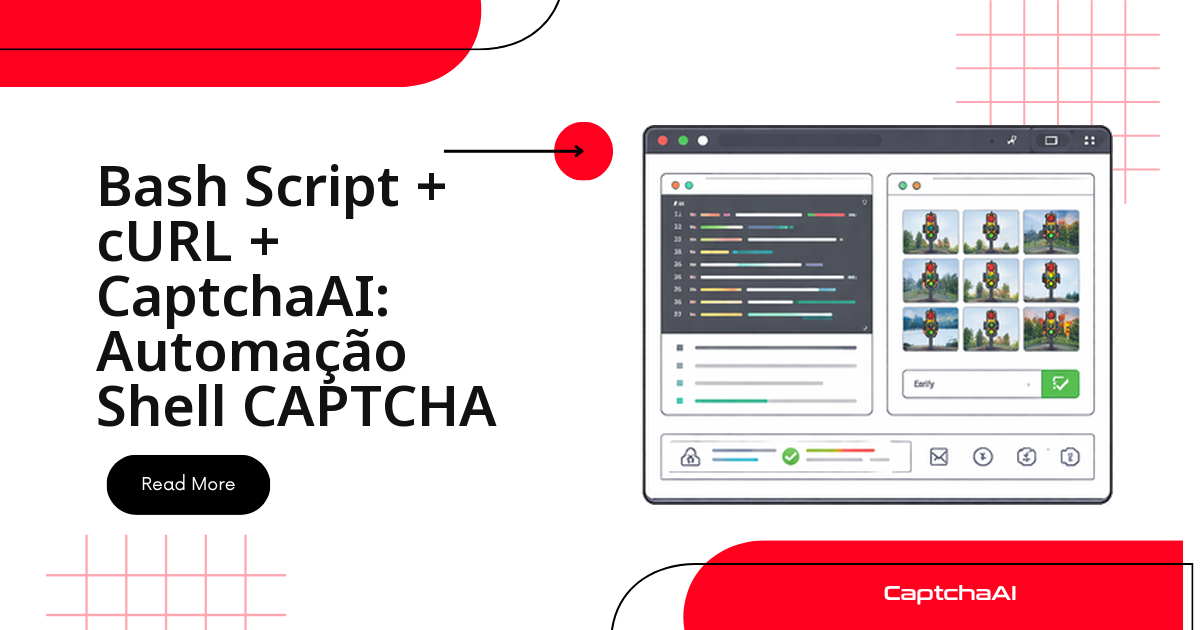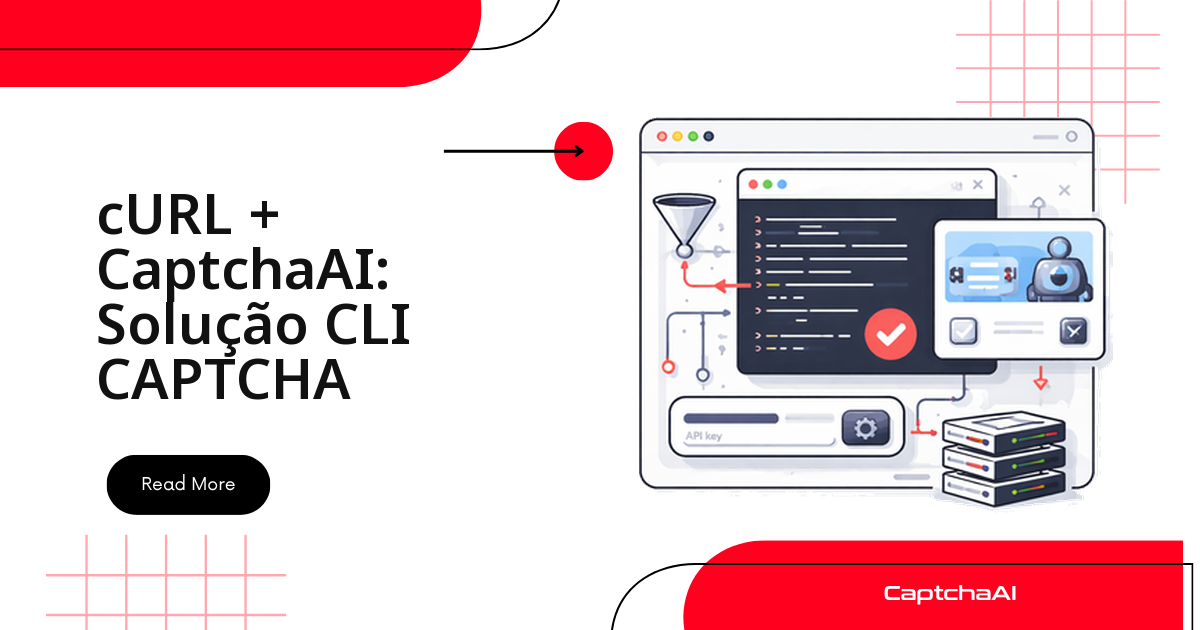
Para resolver um CAPTCHA a partir da linha de comando você não precisa instalar SDK nenhum — dois comandos cURL bastam: um para enviar o desafio, outro para buscar o token pronto. Como a API da CaptchaAI é REST pura, qualquer ambiente que rode curl funciona: um step de GitHub Actions, um pipeline do GitLab CI, um script Bash em produção ou até uma sessão de PowerShell no Windows.
Neste guia você encontra:
- Os três comandos cURL essenciais: enviar, consultar e receber o token.
- Um script Bash reutilizável que faz o polling sozinho.
- A mesma lógica em PowerShell, para quem padroniza em Windows.
- Como levar o token direto para o formulário de destino, sem abrir navegador nenhum.
Pré-requisitos para usar a API via cURL
Você só precisa de um binário
curlinstalado e de uma chave de API válida — nenhuma linguagem de programação entra no caminho.
| Requisito | Detalhes |
|---|---|
| cURL | Qualquer versão moderna |
| jq (opcional) | Para analisar as respostas em JSON mais complexas |
| Chave de API da CaptchaAI | Obtenha a sua aqui |
Comandos essenciais para resolver CAPTCHA via cURL
Três chamadas cobrem o ciclo completo: confirmar saldo, enviar o desafio e buscar o token pronto.
Verifique o saldo
curl -s "https://ocr.captchaai.com/res.php?key=YOUR_API_KEY&action=getbalance"
Saída: 1.234
Envie um reCAPTCHA v2
curl -s "https://ocr.captchaai.com/in.php?key=YOUR_API_KEY&method=userrecaptcha&googlekey=6Le-wvkS...&pageurl=https://example.com"
Saída: OK|73548291
Consulte o resultado
O id retornado no passo anterior (73548291) identifica a tarefa. Consulte esse endpoint a cada poucos segundos até receber o token — enquanto o desafio ainda está sendo processado, a resposta é CAPCHA_NOT_READY:
curl -s "https://ocr.captchaai.com/res.php?key=YOUR_API_KEY&action=get&id=73548291"
Saída: OK|03AGdBq24PBCbw... ou CAPCHA_NOT_READY
Script Bash para resolver CAPTCHA automaticamente
Encadear os três comandos acima manualmente serve para um teste pontual, mas qualquer uso repetido pede um script que envie a tarefa, faça o polling sozinho e devolva só o token pronto. É isso que solve_captcha.sh faz abaixo — ele lê a chave da variável de ambiente CAPTCHAAI_API_KEY, então nenhuma credencial fica hardcoded no arquivo.
Crie solve_captcha.sh:
#!/bin/bash
set -euo pipefail

API_KEY="${CAPTCHAAI_API_KEY:?Set CAPTCHAAI_API_KEY environment variable}"
BASE_URL="https://ocr.captchaai.com"

solve_recaptcha() {
    local site_key="$1"
    local page_url="$2"
    local timeout="${3:-300}"

    # Submit
    local response
    response=$(curl -s "${BASE_URL}/in.php?key=${API_KEY}&method=userrecaptcha&googlekey=${site_key}&pageurl=${page_url}")

    if [[ ! "$response" == OK|* ]]; then
        echo "ERROR: Submit failed: $response" >&2
        return 1
    fi

    local task_id="${response#OK|}"
    echo "Submitted task: $task_id" >&2

    # Poll
    local deadline=$((SECONDS + timeout))
    while (( SECONDS < deadline )); do
        sleep 5
        local result
        result=$(curl -s "${BASE_URL}/res.php?key=${API_KEY}&action=get&id=${task_id}")

        if [[ "$result" == "CAPCHA_NOT_READY" ]]; then
            echo "Waiting..." >&2
            continue
        fi

        if [[ "$result" == OK|* ]]; then
            echo "${result#OK|}"
            return 0
        fi

        echo "ERROR: Solve failed: $result" >&2
        return 1
    done

    echo "ERROR: Timeout after ${timeout}s" >&2
    return 1
}

# Usage: ./solve_captcha.sh SITE_KEY PAGE_URL
if [[ $# -ge 2 ]]; then
    solve_recaptcha "$1" "$2"
fi
Dê permissão de execução ao arquivo:
chmod +x solve_captcha.sh
Rode com uma sitekey e uma URL de teste:
export CAPTCHAAI_API_KEY="your_key_here"
./solve_captcha.sh "6Le-wvkS..." "https://example.com"
Turnstile da Cloudflare via cURL
O mesmo padrão de envio funciona para o Cloudflare Turnstile — só o parâmetro method muda:
curl -s "https://ocr.captchaai.com/in.php?key=${CAPTCHAAI_API_KEY}&method=turnstile&sitekey=0x4AAAAA...&pageurl=https://example.com"
CAPTCHA de imagem: base64 ou upload de arquivo
Duas formas de enviar a imagem, dependendo do tamanho do arquivo:
- Base64 na URL — mais simples, ideal para imagens pequenas de CAPTCHA.
- Upload via
multipart/form-data— evita montar uma URL gigante quando o arquivo é maior.
Comece pelo base64:
# Encode image to base64
IMAGE_B64=$(base64 -w 0 captcha.png)

# Submit
curl -s "https://ocr.captchaai.com/in.php?key=${CAPTCHAAI_API_KEY}&method=base64&body=${IMAGE_B64}"
Para arquivos maiores, evite montar a URL manualmente e envie via multipart/form-data:
curl -s -X POST "https://ocr.captchaai.com/in.php" \
  -F "key=${CAPTCHAAI_API_KEY}" \
  -F "method=post" \
  -F "[email protected]"
Do token ao formulário: pipeline completo
Juntando tudo: resolva o CAPTCHA com o script acima e envie o token no mesmo curl que submete o formulário, sem passar por navegador algum. O exemplo usa staging.example.com — troque pela URL do seu próprio ambiente de testes antes de rodar:
#!/bin/bash
# Solve CAPTCHA and submit form in one pipeline

API_KEY="${CAPTCHAAI_API_KEY}"
SITE_KEY="6Le-wvkS..."
TARGET_URL="https://staging.example.com/qa-login"

# Solve
TOKEN=$(./solve_captcha.sh "$SITE_KEY" "$TARGET_URL")

if [[ -z "$TOKEN" ]]; then
    echo "Failed to solve CAPTCHA"
    exit 1
fi

# Submit form with token
curl -s -X POST "$TARGET_URL" \
  -d "username=user" \
  -d "password=pass" \
  -d "g-recaptcha-response=${TOKEN}"
Resolvendo vários CAPTCHAs em lote
Para testar vários formulários de uma vez, leia as URLs de um arquivo e reaproveite o mesmo solve_captcha.sh em loop:
#!/bin/bash
# Input file: urls.txt (one URL per line)

while IFS= read -r url; do
    echo "Processing: $url"
    TOKEN=$(./solve_captcha.sh "6Le-wvkS..." "$url")
    if [[ -n "$TOKEN" ]]; then
        echo "$url,$TOKEN" >> results.csv
        echo "  Solved ✓"
    else
        echo "  Failed ✗"
    fi
done < urls.txt
A CaptchaAI cobra por thread simultânea, não por CAPTCHA resolvido, então esse loop não gera custo por unidade — o que muda é só quantos urls.txt você roda em paralelo:
- BASIC (US$ 15/mês, 5 threads) — cobre um lote pequeno, como o exemplo acima.
- STANDARD (US$ 30/mês, 15 threads) — dá margem para paralelizar vários arquivos de URLs sem esbarrar no teto de threads.
Se o results.csv guarda tokens ou qualquer dado que possa ser rastreado a um usuário real, trate o arquivo como dado sensível e revise as obrigações da LGPD antes de manter esse log em produção.
Alternativa em PowerShell para quem usa Windows
Times que padronizam em Windows reproduzem o mesmo fluxo de envio e consulta com Invoke-RestMethod, sem precisar instalar o cURL separadamente:
$ApiKey = $env:CAPTCHAAI_API_KEY
$BaseUrl = "https://ocr.captchaai.com"

# Submit
$response = Invoke-RestMethod "${BaseUrl}/in.php?key=${ApiKey}&method=userrecaptcha&googlekey=6Le-wvkS...&pageurl=https://example.com"

if ($response -match '^OK\|(.+)$') {
    $taskId = $Matches[1]
    Write-Host "Task: $taskId"
} else {
    Write-Error "Submit failed: $response"
    exit 1
}

# Poll
do {
    Start-Sleep -Seconds 5
    $result = Invoke-RestMethod "${BaseUrl}/res.php?key=${ApiKey}&action=get&id=${taskId}"
} while ($result -eq 'CAPCHA_NOT_READY')

if ($result -match '^OK\|(.+)$') {
    $token = $Matches[1]
    Write-Host "Token: $token"
} else {
    Write-Error "Solve failed: $result"
}
Erros comuns e como corrigir
Estes são os erros mais frequentes ao integrar via cURL, com a causa provável e a correção:
| Erro | Causa | Correção |
|---|---|---|
curl: (6) Could not resolve host |
Problema de DNS | Verifique a rede |
ERROR_WRONG_USER_KEY |
Chave de API incorreta | Verifique se há espaços ou quebras de linha na chave |
| A resposta vem vazia | Timeout de rede | Adicione --connect-timeout 30 |
base64: invalid input |
Problema no arquivo binário | Use base64 -w 0 (sem quebra de linha) |
Dica: adicione
-va qualquer comando cURL acima para ver os cabeçalhos da requisição e da resposta quando o erro não estiver claro na tabela.
Perguntas frequentes
Posso usar isso em pipelines de CI/CD?
Sim. Defina CAPTCHAAI_API_KEY como secret no GitHub Actions, GitLab CI ou Jenkins e chame solve_captcha.sh como qualquer outro step do pipeline — não há dependência de linguagem, só do binário curl, já presente na maioria das imagens.
O mesmo script resolve Turnstile e GeeTest v3, ou só reCAPTCHA?
O solve_captcha.sh deste guia foi escrito para reCAPTCHA v2, mas o padrão de envio e consulta é idêntico para qualquer tipo suportado — Turnstile, GeeTest v3, imagem/OCR, grade de imagens. Basta trocar o method e os parâmetros da chamada a in.php, como no exemplo de Turnstile acima.
Preciso instalar algum SDK, ou só o cURL já basta?
Só o cURL. O jq é opcional e ajuda a extrair campos de uma resposta JSON mais complexa, mas nenhum comando deste guia depende dele.
Como evito que um erro de rede trave o pipeline inteiro?
O script usa set -euo pipefail e retorna código de saída 1 em qualquer falha de envio, timeout ou resposta de erro. Capture esse código no seu pipeline para marcar o step como falho sem interromper os demais jobs.
Faz sentido manter um navegador headless só para resolver CAPTCHA nesses testes?
Normalmente não, quando o objetivo é só validar que o formulário aceita o token. Comparado a um navegador headless (Selenium, Puppeteer, Playwright), resolver via cURL:
- Não exige instalar Chromium nem drivers de navegador no runner.
- Consome bem menos CPU e memória por execução.
- Elimina o tempo de start-up do navegador a cada teste.
Se o teste não depende de renderizar a página, enviar o token direto ao endpoint do formulário é a rota mais rápida e mais barata de rodar em CI.