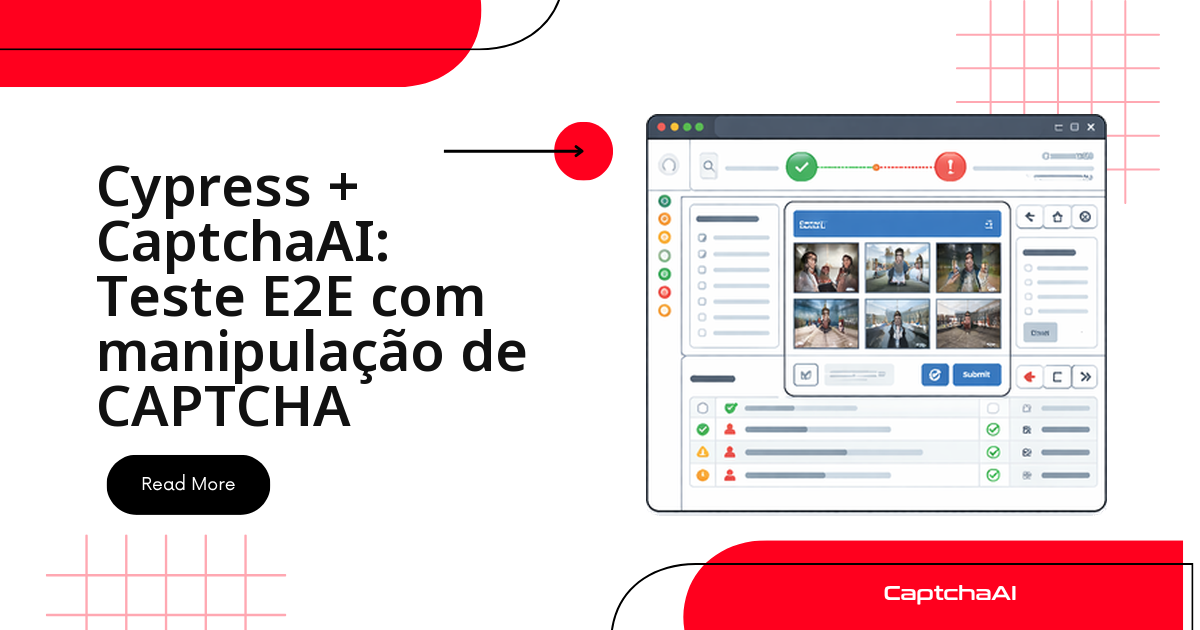
Desativar o CAPTCHA no ambiente de staging parece o caminho mais rápido para destravar a suíte Cypress — até o dia em que um bug de validação de token ou de callback do reCAPTCHA só aparece em produção, onde o CAPTCHA está ativo de verdade.
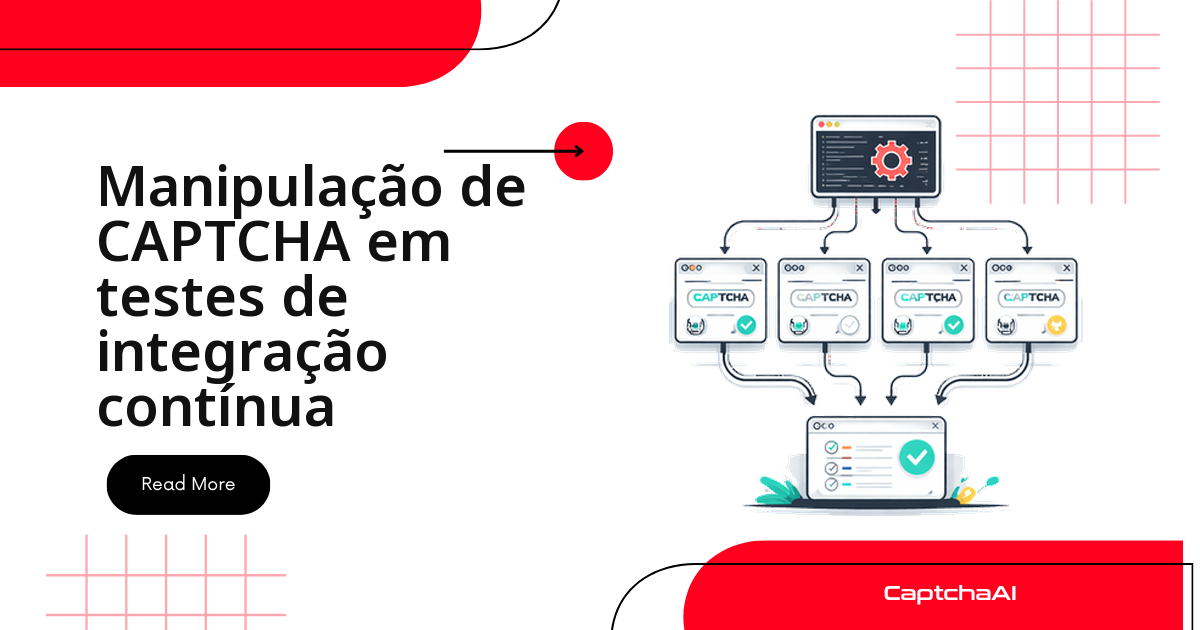
A saída não é simular: é plugar a API da CaptchaAI direto na task do Node que roda por trás dos testes Cypress, resolver o desafio real e injetar o token como o navegador do usuário faria. O ambiente de teste fica idêntico ao de produção, e a suíte continua rodando sozinha em CI.
Neste guia você monta o pipeline completo, do zero:
- A
taskNode que fala com a API da CaptchaAI e faz o polling do token. - Comandos customizados (
cy.solveCaptcha(),cy.solveTurnstile()) para injetar esse token na página. - Testes E2E reais de login, cadastro e checkout passando por CAPTCHA.
- Retentativa automática e o workflow de GitHub Actions para rodar tudo em CI.
Por que resolver CAPTCHA de verdade, e não simular
| Abordagem | O que você perde |
|---|---|
| Desativar o CAPTCHA em staging | Bugs de integração e diferenças no fluxo do formulário passam despercebidos |
| Chave de teste (sempre aprovada) | Não valida o envio do token ao endpoint nem o disparo do callback |
| Resolver com a CaptchaAI | Nada — é o único caminho com paridade total de produção |
Vale uma ressalva: esse padrão é para testes end-to-end, que carregam a página real e o widget de CAPTCHA de verdade.
Testes de componente do Cypress não renderizam a página do jeito que o widget espera, então o CAPTCHA real não entra nesse tipo de teste — reserve a resolução via API só para a suíte E2E.
Instale o Cypress e prepare o projeto
O primeiro passo é o de sempre: adicionar o Cypress como dependência de desenvolvimento.
npm install cypress --save-dev
Configure o cypress.config.js para aceitar tarefas de CAPTCHA
Antes do handler, registre a task solveCaptcha e aumente os timeouts padrão — resolver um CAPTCHA leva bem mais que os 4 s default do Cypress:
// cypress.config.js
const { defineConfig } = require("cypress");

module.exports = defineConfig({
  e2e: {
    baseUrl: "https://your-app.com",
    defaultCommandTimeout: 120000,
    responseTimeout: 120000,
    setupNodeEvents(on, config) {
      on("task", {
        solveCaptcha({ siteUrl, sitekey, type }) {
          return solveCaptchaTask(siteUrl, sitekey, type);
        },
      });
      return config;
    },
  },
  env: {
    CAPTCHAAI_KEY: "YOUR_API_KEY",
  },
});
Crie a task que resolve o CAPTCHA pela API da CaptchaAI
Este módulo faz o trabalho pesado: envia o desafio ao endpoint in.php, faz o polling em res.php a cada 5 segundos e devolve o token pronto para a task do Cypress usar.
// cypress/plugins/captcha-solver.js
const https = require("https");

function httpPost(url, data) {
  return new Promise((resolve, reject) => {
    const params = new URLSearchParams(data).toString();
    const options = {
      method: "POST",
      headers: { "Content-Type": "application/x-www-form-urlencoded" },
    };
    const req = https.request(url, options, (res) => {
      let body = "";
      res.on("data", (c) => (body += c));
      res.on("end", () => resolve(JSON.parse(body)));
    });
    req.on("error", reject);
    req.write(params);
    req.end();
  });
}

function httpGet(url) {
  return new Promise((resolve, reject) => {
    https.get(url, (res) => {
      let body = "";
      res.on("data", (c) => (body += c));
      res.on("end", () => resolve(JSON.parse(body)));
    }).on("error", reject);
  });
}

async function solveCaptchaTask(siteUrl, sitekey, type = "recaptcha_v2") {
  const API = "https://ocr.captchaai.com";
  const key = process.env.CAPTCHAAI_KEY || "YOUR_API_KEY";

  const submitData = {
    key,
    pageurl: siteUrl,
    json: "1",
  };

  if (type === "turnstile") {
    submitData.method = "turnstile";
    submitData.sitekey = sitekey;
  } else {
    submitData.method = "userrecaptcha";
    submitData.googlekey = sitekey;
  }

  const submitResp = await httpPost(`${API}/in.php`, submitData);

  if (submitResp.status !== 1) {
    throw new Error(`Submit failed: ${submitResp.request}`);
  }

  const taskId = submitResp.request;

  // Poll for result
  for (let i = 0; i < 60; i++) {
    await new Promise((r) => setTimeout(r, 5000));

    const params = new URLSearchParams({
      key,
      action: "get",
      id: taskId,
      json: "1",
    });

    const result = await httpGet(`${API}/res.php?${params}`);

    if (result.request === "CAPCHA_NOT_READY") continue;
    if (result.status !== 1) throw new Error(`Solve failed: ${result.request}`);

    return result.request; // The CAPTCHA token
  }

  throw new Error("CAPTCHA solve timeout");
}

module.exports = { solveCaptchaTask };
Conecte o handler ao cypress.config.js
// cypress.config.js
const { solveCaptchaTask } = require("./cypress/plugins/captcha-solver");

module.exports = defineConfig({
  e2e: {
    setupNodeEvents(on, config) {
      on("task", {
        solveCaptcha({ siteUrl, sitekey, type }) {
          return solveCaptchaTask(siteUrl, sitekey, type);
        },
      });
    },
  },
});
Comandos customizados: injete o token direto no formulário
Com a task pronta, o próximo passo é expor comandos que localizam o data-sitekey na página, chamam a task e escrevem o token nos campos e callbacks certos — sem precisar clicar em nenhum widget:
| Comando Cypress | Tipo de CAPTCHA | Campo preenchido |
|---|---|---|
cy.solveCaptcha() |
reCAPTCHA v2 | #g-recaptcha-response + callback ___grecaptcha_cfg |
cy.solveTurnstile() |
Cloudflare Turnstile | input[name="cf-turnstile-response"] |
// cypress/support/commands.js

Cypress.Commands.add("solveCaptcha", (options = {}) => {
  cy.get("[data-sitekey]", { timeout: 10000 }).then(($el) => {
    const sitekey = options.sitekey || $el.attr("data-sitekey");
    const siteUrl = options.siteUrl || cy.url();

    cy.url().then((url) => {
      cy.task("solveCaptcha", {
        siteUrl: url,
        sitekey,
        type: options.type || "recaptcha_v2",
      }).then((token) => {
        // Inject token
        cy.window().then((win) => {
          const responseEl = win.document.querySelector(
            "#g-recaptcha-response"
          );
          if (responseEl) {
            responseEl.value = token;
          }

          // Set all hidden response fields
          win.document
            .querySelectorAll('[name="g-recaptcha-response"]')
            .forEach((el) => {
              el.value = token;
            });

          // Trigger callback if exists
          if (win.___grecaptcha_cfg) {
            const clients = win.___grecaptcha_cfg.clients;
            for (const key in clients) {
              const client = clients[key];
              if (client && typeof client.callback === "function") {
                client.callback(token);
              }
            }
          }
        });
      });
    });
  });
});

Cypress.Commands.add("solveTurnstile", (options = {}) => {
  cy.get("[data-sitekey]", { timeout: 10000 }).then(($el) => {
    const sitekey = options.sitekey || $el.attr("data-sitekey");

    cy.url().then((url) => {
      cy.task("solveCaptcha", {
        siteUrl: url,
        sitekey,
        type: "turnstile",
      }).then((token) => {
        cy.window().then((win) => {
          const input = win.document.querySelector(
            'input[name="cf-turnstile-response"]'
          );
          if (input) input.value = token;
        });
      });
    });
  });
});
Testes E2E na prática: login, cadastro e checkout
Com os comandos prontos, os testes ficam curtos: uma chamada a cy.solveCaptcha() (ou cy.solveTurnstile()) no meio do fluxo normal, sem lógica extra no arquivo de teste.
Login protegido por reCAPTCHA v2
// cypress/e2e/login.cy.js
describe("Login with reCAPTCHA", () => {
  it("should log in through a CAPTCHA-protected form", () => {
    cy.visit("/login");

    cy.get("#username").type("testuser");
    cy.get("#password").type("securepassword123");

    // Solve the CAPTCHA
    cy.solveCaptcha();

    // Submit
    cy.get('button[type="submit"]').click();

    // Verify login success
    cy.url().should("include", "/dashboard");
    cy.get(".welcome-message").should("contain", "Welcome, testuser");
  });
});
Cadastro completo com CAPTCHA
// cypress/e2e/register.cy.js
describe("Registration with CAPTCHA", () => {
  it("completes registration with all fields + CAPTCHA", () => {
    cy.visit("/register");

    cy.get("#first-name").type("Test");
    cy.get("#last-name").type("User");
    cy.get("#email").type("[email protected]");
    cy.get("#password").type("StrongPass!123");
    cy.get("#confirm-password").type("StrongPass!123");

    cy.solveCaptcha();

    cy.get("#register-btn").click();
    cy.url().should("include", "/verify-email");
  });
});
Checkout protegido por Cloudflare Turnstile
describe("Checkout with Turnstile", () => {
  it("processes payment through Turnstile-protected checkout", () => {
    cy.visit("/cart");

    cy.get(".checkout-btn").click();
    cy.get("#card-number").type("4242424242424242");
    cy.get("#expiry").type("12/26");
    cy.get("#cvc").type("123");

    cy.solveTurnstile();

    cy.get("#pay-now").click();
    cy.get(".confirmation").should("contain", "Order confirmed");
  });
});
Dado de teste em staging: os exemplos acima usam usuários e cartões fictícios (
[email protected],4242424242424242) — nunca dados de clientes reais. Se sua suíte reaproveita dados de produção, trate-os como sensíveis e revise as obrigações da LGPD antes de deixá-los em staging ou em logs de CI.
Cada cy.solveCaptcha() soma 15–30 s ao teste.
Se isso pesar na suíte, isole os testes com CAPTCHA em um arquivo próprio e rode-os em paralelo no Cypress Cloud.
Retentativa automática quando o CAPTCHA falha
Um solve pode falhar por timeout de rede ou token expirado antes da injeção. O comando abaixo encapsula solveCaptcha com retentativa exponencial simples, útil como camada extra em cima do handler:
// cypress/support/commands.js

Cypress.Commands.add("solveCaptchaWithRetry", (options = {}) => {
  const maxRetries = options.retries || 3;

  function attempt(retryCount) {
    return cy.task("solveCaptcha", {
      siteUrl: options.siteUrl,
      sitekey: options.sitekey,
      type: options.type || "recaptcha_v2",
    }).then((token) => {
      if (!token && retryCount < maxRetries) {
        cy.log(`CAPTCHA retry ${retryCount + 1}/${maxRetries}`);
        cy.wait(2000);
        return attempt(retryCount + 1);
      }
      return token;
    });
  }

  return attempt(0);
});
Rode os testes de CAPTCHA no pipeline de CI/CD
GitHub Actions
O único requisito extra em relação a um workflow padrão do Cypress é expor CAPTCHAAI_KEY como secret do repositório:
Dica: mantenha
CAPTCHAAI_KEYcomo secret separado das credenciais da aplicação sob teste — assim uma rotação da chave não exige tocar nos outros secrets.
name: E2E Tests
on: [push, pull_request]

jobs:
  cypress:
    runs-on: ubuntu-latest
    steps:

      - uses: actions/checkout@v4
      - uses: actions/setup-node@v4
        with:
          node-version: 20

      - run: npm ci

      - name: Run Cypress tests
        uses: cypress-io/github-action@v6
        env:
          CAPTCHAAI_KEY: ${{ secrets.CAPTCHAAI_KEY }}
        with:
          wait-on: "http://localhost:3000"
          start: npm start
Reaproveitando a task em testes de API com Jest
A função solveCaptchaTask não depende do Cypress — é só uma chamada HTTP. Times que também mantêm testes de API em Jest podem importar o mesmo módulo sem duplicar lógica de envio e polling:
// For teams that also use Jest for API-level CAPTCHA tests
const { solveCaptchaTask } = require("../cypress/plugins/captcha-solver");

test("CaptchaAI solves reCAPTCHA v2", async () => {
  const token = await solveCaptchaTask(
    "https://www.google.com/recaptcha/api2/demo",
    "6Le-wvkSAAAAAPBMRTvw0Q4Muexq9bi0DJwx_mJ-",
    "recaptcha_v2"
  );

  expect(token).toBeDefined();
  expect(token.length).toBeGreaterThan(50);
}, 120000);
Erros comuns ao integrar a CaptchaAI no Cypress
| Erro | Causa | Correção |
|---|---|---|
cy.task timed out |
A resolução do CAPTCHA demorou mais que o timeout configurado | Aumente taskTimeout na configuração |
| Token rejeitado pelo formulário | O token expirou antes da injeção | Reduza o intervalo entre a resolução e o clique no submit |
data-sitekey não encontrado |
O CAPTCHA carrega de forma assíncrona | Adicione um cy.wait() explícito ou intercepte a requisição do widget |
| Callback não disparado | O site usa um nome de callback customizado | Inspecione ___grecaptcha_cfg no DevTools para achar o nome real |
| CI falha, local passa | Falta a variável de ambiente no runner | Adicione CAPTCHAAI_KEY aos secrets do CI |
Perguntas frequentes
Onde devo guardar a chave de API dentro do projeto Cypress?
Nunca no cypress.config.js versionado. Use cypress.env.json (fora do Git) local e um secret do CI (CAPTCHAAI_KEY) em pipeline — o handler já lê process.env.CAPTCHAAI_KEY primeiro, com YOUR_API_KEY só como fallback de dev.
Faz sentido usar CAPTCHA real em todo teste, ou só nos fluxos críticos?
Só nos fluxos que passam pelo CAPTCHA em produção — login, cadastro, checkout. Testes que não tocam essas telas não precisam da task, e menos chamadas à API mantêm a suíte mais rápida.
O mesmo handler resolve GeeTest v3, ou só reCAPTCHA e Turnstile?
O padrão é o mesmo para qualquer tipo suportado: troque o method em in.php (geetest em vez de userrecaptcha ou turnstile) e ajuste os parâmetros daquele tipo — a lógica de polling em res.php não muda.
Preciso de um plano com mais threads para paralelizar no Cypress Cloud?
Depende de quantas máquinas paralelas você roda — cada uma chama a API ao mesmo tempo, e a CaptchaAI cobra por thread simultânea. O BASIC (US$ 15/mês, 5 threads) cobre poucas máquinas; o STANDARD (US$ 30/mês, 15 threads) dá mais folga.
Dá para reaproveitar essa task em testes de API fora do Cypress, como no Jest?
Sim — solveCaptchaTask é uma função Node comum, sem dependência do runner do Cypress. Basta importar o mesmo arquivo em qualquer teste Jest ou script que precise de um token válido.