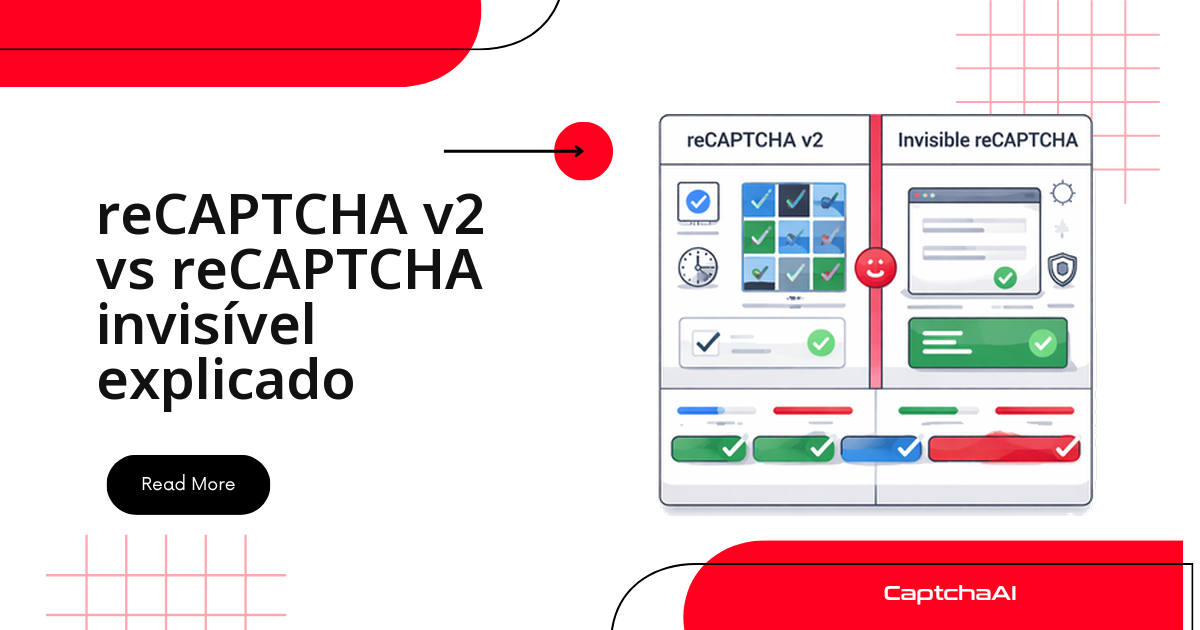
A automação recebe o token, escreve em g-recaptcha-response, envia o formulário — e o servidor recusa. Antes de culpar a chave de API, olhe o widget: a página provavelmente trocou o checkbox pelo reCAPTCHA v2 invisível.
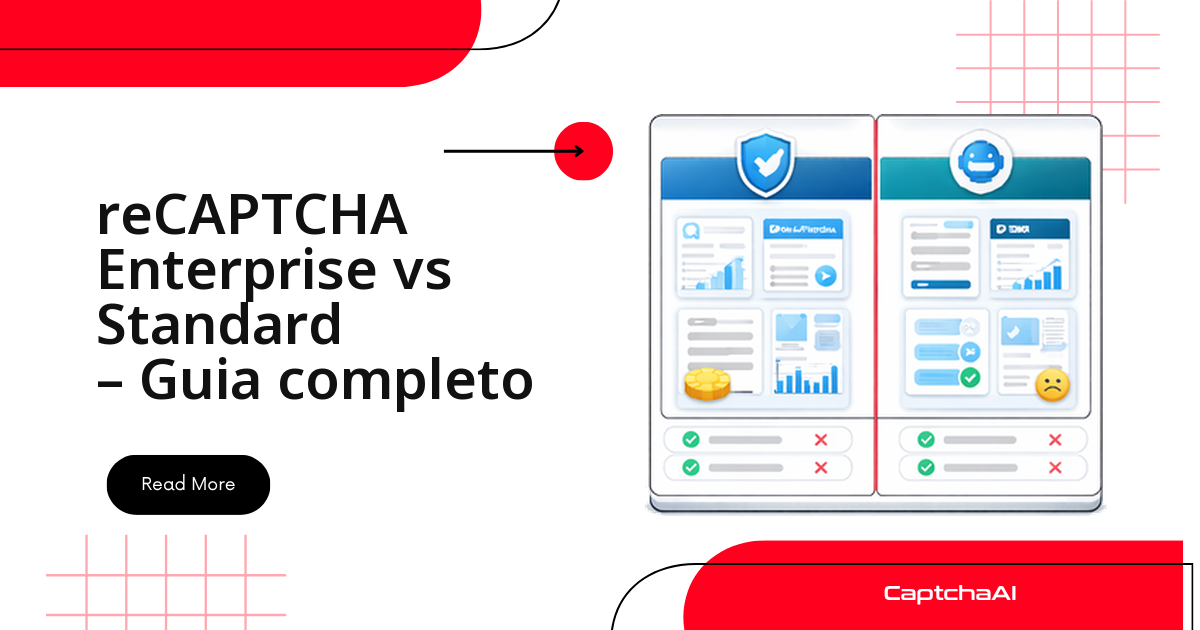
As duas são o mesmo reCAPTCHA v2: mesma sitekey (a chave pública do widget), mesmo campo de token, mesmo method=userrecaptcha. Na API muda um parâmetro; na página muda quem executa o callback — e é isso que derruba suítes de teste.
Checkbox ou invisível: o que muda de fato
- Na API: só
invisible=1no envio aoin.php. - Na página: no checkbox o callback é opcional; no invisível, quase sempre obrigatório.
- No HTML: o invisível se anuncia por
data-size="invisible"ou porgrecaptcha.render(). - No custo: nada muda — a cobrança é por thread simultânea, não por tipo de CAPTCHA.
| Característica | v2 checkbox | v2 invisível |
|---|---|---|
| Widget visível | Sim, a caixa "Não sou um robô" | Não |
| Gatilho | Clique na caixa | Botão, envio ou carregamento |
| Desafio de imagem | Inline, abaixo da caixa | Pop-up no canto inferior |
| Marcação | Div g-recaptcha |
data-size="invisible" + data-callback |
| Campo de token | g-recaptcha-response |
g-recaptcha-response |
| Callback | Opcional | Quase sempre obrigatório |
| Método na CaptchaAI | userrecaptcha |
userrecaptcha + invisible=1 |
| Tempo de resolução | <60 s | <30 s |
Por que a suíte de QA quebra depois de um deploy
Cenário comum em times de QA no Brasil: a regressão noturna roda há meses contra https://staging.example.com/qa-login e, de repente, os testes de login param de passar. Ninguém tocou na chave de API — o que mudou foi o front-end: data-size="invisible" entrou no botão de envio.
O sintoma engana: o token chega em menos de 30 segundos, o campo oculto é preenchido e mesmo assim a página recarrega ou acusa falha de validação. A causa não é a resolução do CAPTCHA, é o callback que nunca foi executado.
Como o checkbox e o invisível aparecem no HTML
No checkbox, a marcação é explícita e fácil de achar no HTML estático:
<!-- Standard checkbox widget -->
<div class="g-recaptcha"
     data-sitekey="6Le-wvkSAAAAAPBMRTvw..."
     data-callback="onSubmit">
</div>

<!-- Widget renders as: -->
<!-- [✓] I'm not a robot     reCAPTCHA logo -->
O usuário clica na caixa e, se o Google desconfiar, a grade de imagens abre logo abaixo, no próprio fluxo da página.
Já o invisível aparece de três formas: preso ao botão, em uma div oculta ou só dentro do JavaScript.
<!-- Pattern 1: Invisible widget on a button -->
<button class="g-recaptcha"
        data-sitekey="6Le-wvkSAAAAAPBMRTvw..."
        data-callback="onSubmit"
        data-size="invisible">
  Submit
</button>

<!-- Pattern 2: Invisible div (programmatic trigger) -->
<div class="g-recaptcha"
     data-sitekey="6Le-wvkSAAAAAPBMRTvw..."
     data-size="invisible"
     data-callback="onSubmit">
</div>

<!-- Pattern 3: Programmatic render -->
<script>
  grecaptcha.render('submit-btn', {
    sitekey: '6Le-wvkSAAAAAPBMRTvw...',
    callback: onSubmit,
    size: 'invisible'
  });
</script>
O terceiro padrão é o mais traiçoeiro: nada no HTML estático denuncia a variante — a pista está na chamada de render, e por isso a detecção precisa ler os scripts.
Como detectar a variante do reCAPTCHA em tempo de execução
Nunca fixe a variante no teste: o mesmo site pode servir checkbox no desktop e invisível no mobile. Em Python:
import requests
from bs4 import BeautifulSoup
import re

def detect_recaptcha_variant(url):
    resp = requests.get(url)
    soup = BeautifulSoup(resp.text, "html.parser")

    # Check for invisible indicators
    invisible_widget = soup.find(attrs={"data-size": "invisible", "class": "g-recaptcha"})
    if invisible_widget:
        return {
            "variant": "invisible",
            "sitekey": invisible_widget.get("data-sitekey"),
            "callback": invisible_widget.get("data-callback")
        }

    # Check for programmatic invisible in scripts
    for script in soup.find_all("script"):
        if script.string and "invisible" in str(script.string):
            key_match = re.search(r"sitekey['\"]?\s*[:=]\s*['\"]([^'\"]+)", script.string)
            if key_match:
                return {
                    "variant": "invisible-programmatic",
                    "sitekey": key_match.group(1),
                    "callback": "check grecaptcha.render() call"
                }

    # Check for standard checkbox
    checkbox_widget = soup.find(class_="g-recaptcha")
    if checkbox_widget:
        return {
            "variant": "checkbox",
            "sitekey": checkbox_widget.get("data-sitekey"),
            "callback": checkbox_widget.get("data-callback")
        }

    return None

result = detect_recaptcha_variant("https://staging.example.com/qa-login")
print(result)
A versão em Node.js usa cheerio e segue a mesma ordem:
const axios = require("axios");
const cheerio = require("cheerio");

async function detectRecaptchaVariant(url) {
  const { data } = await axios.get(url);
  const $ = cheerio.load(data);

  // Check for invisible
  const invisible = $(".g-recaptcha[data-size='invisible']");
  if (invisible.length) {
    return {
      variant: "invisible",
      sitekey: invisible.attr("data-sitekey"),
      callback: invisible.attr("data-callback"),
    };
  }

  // Check scripts for programmatic invisible
  const scripts = $("script")
    .map((_, el) => $(el).html())
    .get()
    .join("\n");
  if (scripts.includes("invisible")) {
    const keyMatch = scripts.match(/sitekey['"]?\s*[:=]\s*['"]([^'"]+)/);
    if (keyMatch) {
      return {
        variant: "invisible-programmatic",
        sitekey: keyMatch[1],
        callback: "check render call",
      };
    }
  }

  // Check for standard checkbox
  const checkbox = $(".g-recaptcha");
  if (checkbox.length) {
    return {
      variant: "checkbox",
      sitekey: checkbox.attr("data-sitekey"),
      callback: checkbox.attr("data-callback"),
    };
  }

  return null;
}
Para conferir à mão, basta o console do navegador:
const el = document.querySelector('[data-size="invisible"]');
console.log(el ? "Invisible reCAPTCHA" : "Checkbox reCAPTCHA");
data-size="invisible"no elemento: variante invisível.- Caixa "Não sou um robô" renderizada: variante checkbox.
grecaptcha.execute()no script: invisível programático.- Pop-up no canto inferior direito: invisível; inline: checkbox.
Resolver as duas variantes do reCAPTCHA v2 com a API da CaptchaAI
O envio é o mesmo nos dois casos: uma requisição ao in.php e consultas ao res.php até o token ficar pronto.
import requests
import time

resp = requests.get("https://ocr.captchaai.com/in.php", params={
    "key": "YOUR_API_KEY",
    "method": "userrecaptcha",
    "googlekey": "6Le-wvkSAAAA...",
    "pageurl": "https://example.com/form"
})
task_id = resp.text.split("|")[1]

for _ in range(60):
    time.sleep(5)
    result = requests.get("https://ocr.captchaai.com/res.php", params={
        "key": "YOUR_API_KEY", "action": "get", "id": task_id
    })
    if result.text.startswith("OK|"):
        token = result.text.split("|")[1]
        break
Para o invisível, acrescente um único parâmetro:
import requests
import time

resp = requests.get("https://ocr.captchaai.com/in.php", params={
    "key": "YOUR_API_KEY",
    "method": "userrecaptcha",
    "googlekey": "6Le-wvkSAAAA...",
    "pageurl": "https://example.com/form",
    "invisible": 1  # Only parameter difference
})
task_id = resp.text.split("|")[1]

for _ in range(60):
    time.sleep(5)
    result = requests.get("https://ocr.captchaai.com/res.php", params={
        "key": "YOUR_API_KEY", "action": "get", "id": task_id
    })
    if result.text.startswith("OK|"):
        token = result.text.split("|")[1]
        break
A diferença cabe em uma linha: "invisible": 1. O plano também não muda — a cobrança é por thread simultânea, com resoluções ilimitadas por thread e sem sobretaxa por tipo. Uma regressão noturna cabe no BASIC (US$ 15/mês, 5 threads); suítes com muitos jobs em paralelo pedem o ADVANCE (US$ 90/mês, 50 threads).
Entregar o token à página: onde checkbox e invisível divergem
No checkbox, preencher o campo oculto costuma bastar: o clique do usuário já registrou o callback.
# Selenium — inject into hidden field
driver.execute_script(
    f'document.getElementById("g-recaptcha-response").value = "{token}";'
)

# If the page uses a callback, also call it
callback = driver.find_element("css selector", ".g-recaptcha").get_attribute("data-callback")
if callback:
    driver.execute_script(f'{callback}("{token}");')
No invisível esse clique nunca existiu. Depois de preencher o campo, seu código precisa localizar e executar o callback indicado em data-callback:
# Selenium — inject AND call the callback
driver.execute_script(
    f'document.getElementById("g-recaptcha-response").value = "{token}";'
)

# CRITICAL: Invisible reCAPTCHA almost always requires calling the callback
callback_name = driver.find_element(
    "css selector", ".g-recaptcha[data-size='invisible']"
).get_attribute("data-callback")

driver.execute_script(f'{callback_name}("{token}");')
// Puppeteer — invisible callback injection
await page.evaluate((tok) => {
  // Set the hidden field
  document.getElementById("g-recaptcha-response").value = tok;

  // Find and call the callback function
  const widget = document.querySelector("[data-size='invisible']");
  const cbName = widget?.getAttribute("data-callback");
  if (cbName && typeof window[cbName] === "function") {
    window[cbName](tok);
  }
}, token);
Regra prática: se a variante é invisível e o formulário falha com um token válido, o suspeito é o callback não executado — não o token nem a chave de API.
Uma classe única para checkbox e invisível
Como a detecção é barata e a resolução quase idêntica, encapsule as duas rotas em uma classe e deixe o código escolher o caminho:
import requests
import time
from bs4 import BeautifulSoup

class RecaptchaV2UniversalSolver:
    def __init__(self, api_key):
        self.api_key = api_key

    def detect_and_solve(self, page_url, page_html=None):
        if not page_html:
            page_html = requests.get(page_url).text

        soup = BeautifulSoup(page_html, "html.parser")

        # Detect variant
        invisible = soup.find(attrs={"data-size": "invisible", "class": "g-recaptcha"})
        widget = invisible or soup.find(class_="g-recaptcha")

        if not widget:
            raise Exception("No reCAPTCHA widget found")

        sitekey = widget.get("data-sitekey")
        is_invisible = invisible is not None
        callback = widget.get("data-callback")

        params = {
            "key": self.api_key,
            "method": "userrecaptcha",
            "googlekey": sitekey,
            "pageurl": page_url
        }
        if is_invisible:
            params["invisible"] = 1

        resp = requests.get("https://ocr.captchaai.com/in.php", params=params)
        if not resp.text.startswith("OK|"):
            raise Exception(f"Submit failed: {resp.text}")

        task_id = resp.text.split("|")[1]
        for _ in range(60):
            time.sleep(5)
            result = requests.get("https://ocr.captchaai.com/res.php", params={
                "key": self.api_key, "action": "get", "id": task_id
            })
            if result.text.startswith("OK|"):
                return {
                    "token": result.text.split("|")[1],
                    "variant": "invisible" if is_invisible else "checkbox",
                    "callback": callback,
                    "sitekey": sitekey
                }
            if result.text != "CAPCHA_NOT_READY":
                raise Exception(f"Solve error: {result.text}")

        raise Exception("Timed out")

# Usage
solver = RecaptchaV2UniversalSolver("YOUR_API_KEY")
result = solver.detect_and_solve("https://staging.example.com/qa-login")
print(f"Variant: {result['variant']}, Callback: {result['callback']}")
Diagnóstico rápido quando o envio falha
| Sintoma | No checkbox | No invisível |
|---|---|---|
| Token recusado | Preencha g-recaptcha-response |
Preencha o campo e chame o callback |
| Widget não encontrado | Procure .g-recaptcha |
Verifique data-size="invisible" e o render no script |
| Envia, mas falha | Veja se a página espera um callback | Localize e execute o callback |
| Token expirado | Reduza o intervalo até o envio | Idem: 120 s nas duas |
Mantenha os testes em ambiente próprio ou em staging autorizado e, havendo dados pessoais, considere as obrigações da LGPD (RGPD em Portugal) antes de registrar payloads em log.
Perguntas frequentes
Como descobrir a variante sem abrir o DevTools?
Rode a função de detecção deste artigo sobre o HTML da página: ela procura data-size="invisible", depois pistas de render nos scripts e, por fim, a classe .g-recaptcha. Repita a checagem a cada execução.
Preciso de um plano diferente para o reCAPTCHA invisível?
Não. Os planos são por thread simultânea, com resoluções ilimitadas por thread e sem cobrança por tipo. O que define a escolha é o paralelismo da suíte:
- BASIC (US$ 15/mês, 5 threads) para regressões pequenas.
- STANDARD (US$ 30/mês, 15 threads) para CI com poucos jobs simultâneos.
- ADVANCE (US$ 90/mês, 50 threads) para vários ambientes em paralelo.
O token do invisível expira mais rápido?
Não. Nas duas variantes o token vale 120 s. A diferença é o que falta fazer depois: localizar e executar o callback consome parte dessa janela, então resolva perto do envio.
A CaptchaAI cobre hCaptcha ou FunCaptcha?
Não. O hCaptcha não é suportado, nem o FunCaptcha (Arkose Labs); o GeeTest v4 aparece como "em breve". O artigo trata do reCAPTCHA v2, esse sim suportado, ao lado de reCAPTCHA v3, Cloudflare Turnstile, GeeTest v3 e CAPTCHAs de imagem, grade e BLS.
Vale trocar checkbox por invisível no meu próprio site?
Para o usuário final, sim: o invisível elimina o clique e só mostra desafio quando o Google desconfia. Avise o time de QA antes — toda automação que dependia só do campo oculto passa a precisar do callback.