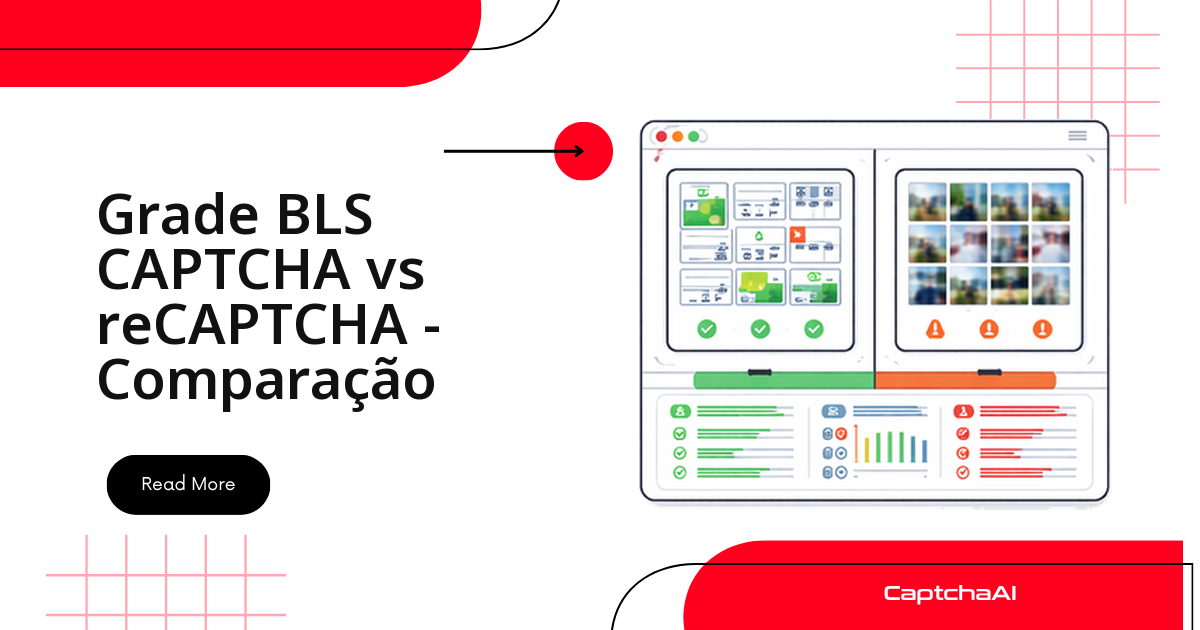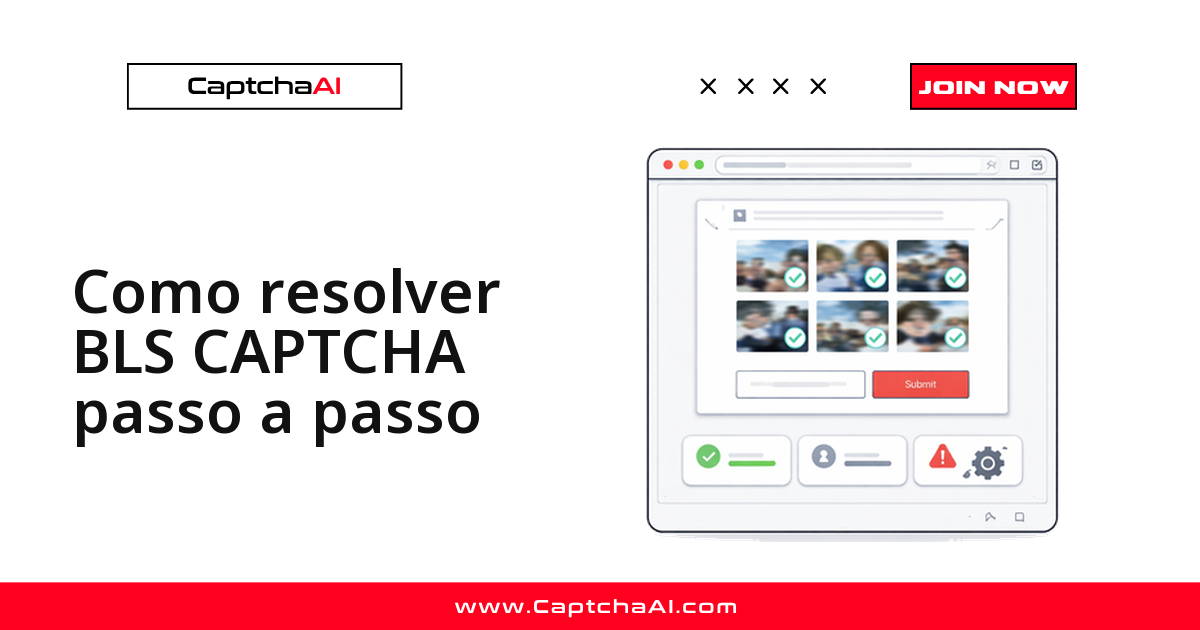
O BLS CAPTCHA aparece nos portais de agendamento de visto da BLS International: uma grade de imagens com uma instrução como "selecione todas as imagens com um carro", parecida com o reCAPTCHA em grade, mas com imagens e enunciados próprios do sistema BLS. Equipes que testam ou automatizam fluxos de agendamento em ambiente próprio esbarram nesse desafio a cada nova sessão.
A resolução segue um caminho direto: extraia as imagens do desafio e o texto de instrução da página, envie os dois para o método bls da API da CaptchaAI e use os índices retornados para clicar nas imagens certas — sem precisar treinar nenhum modelo de reconhecimento próprio.
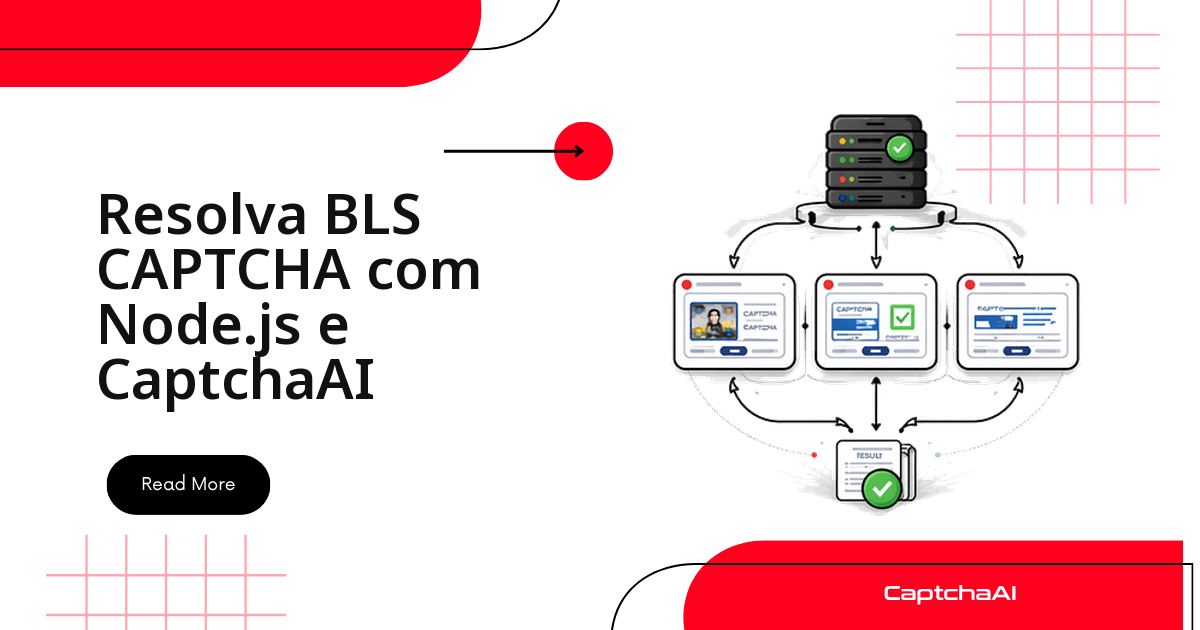
Este guia cobre quatro etapas, na ordem em que você vai executá-las:
- Extrair as imagens e a instrução da página do BLS.
- Enviar tudo para a API da CaptchaAI.
- Consultar o resultado da resolução.
- Clicar nas imagens certas e enviar o formulário.
Cada etapa abaixo traz exemplos completos em Python e Node.js.
Requisitos
Antes de começar, separe:
- Chave de API da CaptchaAI — gerada em captchaai.com.
- Imagens do BLS CAPTCHA — codificadas em base64, extraídas da página.
- Texto de instrução — a frase que diz quais imagens selecionar.
- Linguagem — Python 3.7+ ou Node.js 14+ (os exemplos abaixo cobrem os dois).
A CaptchaAI cobra por thread simultânea, não por CAPTCHA resolvido — todo plano inclui resoluções ilimitadas por thread durante o mês. Para este fluxo, três opções cobrem a maioria dos casos:
- BASIC (US$ 15/mês, 5 threads) — suficiente para testes e volume baixo.
- STANDARD (US$ 30/mês, 15 threads) — várias sessões de agendamento em paralelo.
- ADVANCE (US$ 90/mês, 50 threads) — times que automatizam agendamento em escala.
Etapa 1: extraia as imagens e a instrução da página do BLS
O BLS CAPTCHA costuma mostrar entre 3 e 9 imagens, junto com uma instrução em texto como "Selecionar todas as imagens com um carro". Antes de enviar qualquer coisa à API, capture as duas partes: o texto da instrução e cada imagem em base64.
Com Selenium
from selenium import webdriver
from selenium.webdriver.common.by import By
import base64
import requests as req

driver = webdriver.Chrome()
driver.get("https://blsitalypakistan.com/appointment")

# Get instruction text
instruction = driver.find_element(By.CSS_SELECTOR, ".captcha-instruction").text
print(f"Instruction: {instruction}")

# Get all captcha images as base64
images = {}
captcha_imgs = driver.find_elements(By.CSS_SELECTOR, ".captcha-image img")
for i, img in enumerate(captcha_imgs, 1):
    src = img.get_attribute("src")
    if src.startswith("data:image"):
        # Already base64
        images[f"image_base64_{i}"] = src.split(",")[1]
    else:
        # Download and encode
        img_data = req.get(src).content
        images[f"image_base64_{i}"] = base64.b64encode(img_data).decode()
Se a imagem já chegar como data URI, basta separar o base64 depois da vírgula; caso contrário, baixe o arquivo e codifique manualmente, como no trecho acima.
Com Puppeteer
const puppeteer = require('puppeteer');

const browser = await puppeteer.launch({ headless: 'new' });
const page = await browser.newPage();
await page.goto('https://blsitalypakistan.com/appointment');

// Get instruction
const instruction = await page.$eval('.captcha-instruction', el => el.textContent);

// Get images as base64
const images = await page.$$eval('.captcha-image img', imgs =>
  imgs.map((img, i) => ({
    key: `image_base64_${i + 1}`,
    value: img.src.startsWith('data:') ? img.src.split(',')[1] : null
  }))
);
Dica: extraia as imagens e a instrução na mesma execução do script. Se elas mudarem entre a extração e o envio, a CaptchaAI rejeita a solução — veja a seção de solução de problemas mais abaixo.
Etapa 2: envie a instrução e as imagens para a API da CaptchaAI
Com o texto da instrução e as imagens em mãos, monte o payload com method: "bls" e envie tudo numa única requisição para in.php. Cada imagem recebe uma chave sequencial — image_base64_1, image_base64_2 e assim por diante — até o limite de 9.
Python
import requests
import time

API_KEY = "YOUR_API_KEY"

payload = {
    "key": API_KEY,
    "method": "bls",
    "instructions": instruction,
    "json": 1
}

# Add each image (up to 9)
for key, value in images.items():
    payload[key] = value

response = requests.post("https://ocr.captchaai.com/in.php", data=payload)
data = response.json()

if data.get("status") != 1:
    raise Exception(f"Submit error: {data.get('request')}")

task_id = data["request"]
print(f"Task submitted: {task_id}")
Node.js
const axios = require('axios');
const FormData = require('form-data');

async function submitBLS(instruction, images) {
  const params = {
    key: 'YOUR_API_KEY',
    method: 'bls',
    instructions: instruction,
    json: 1,
    ...Object.fromEntries(images.map(img => [img.key, img.value]))
  };

  const { data } = await axios.post('https://ocr.captchaai.com/in.php', null, { params });
  if (data.status !== 1) throw new Error(data.request);
  return data.request;
}
Etapa 3: consulte o resultado da resolução
A resposta não vem na hora — o BLS CAPTCHA leva alguns segundos para ser processado. Faça polling em res.php a cada poucos segundos até receber status: 1; enquanto o resultado não sai, a API devolve CAPCHA_NOT_READY (grafia original do provedor, sem o "T" de CAPTCHA). O resultado final traz os índices das imagens corretas, por exemplo "1,3,5".
Python
def get_bls_solution(task_id):
    for _ in range(30):
        time.sleep(5)
        result = requests.get("https://ocr.captchaai.com/res.php", params={
            "key": API_KEY,
            "action": "get",
            "id": task_id,
            "json": 1
        }).json()

        if result.get("status") == 1:
            return result["request"]  # e.g., "1,3,5" (image indices)
        if result.get("request") != "CAPCHA_NOT_READY":
            raise Exception(f"Error: {result.get('request')}")

    raise Exception("Timeout")

solution = get_bls_solution(task_id)
print(f"Select images: {solution}")  # e.g., "1,3,5"
Dica: o loop acima tenta por até 150 segundos (30 tentativas x 5 s). Se seu ambiente costuma levar mais que isso em horários de pico, aumente o número de tentativas em vez de reduzir o intervalo entre elas.
Etapa 4: clique nas imagens certas e envie o formulário
Converta os índices retornados (que começam em 1) para a posição correspondente na lista de elementos da página (que começa em 0), clique em cada imagem indicada e envie o formulário na sequência:
# Parse the solution indices
selected = [int(i) for i in solution.split(",")]

# Click each correct image
captcha_imgs = driver.find_elements(By.CSS_SELECTOR, ".captcha-image img")
for idx in selected:
    captcha_imgs[idx - 1].click()  # Convert 1-based to 0-based
    time.sleep(0.3)  # Small delay between clicks

# Submit the form
driver.find_element(By.CSS_SELECTOR, ".captcha-submit").click()
Exemplo executável completo
Precisa de um projeto completo, com setup de ambiente, polling, novas tentativas e tratamento de erros já prontos?
Veja o exemplo completo no GitHub →
Solução de problemas
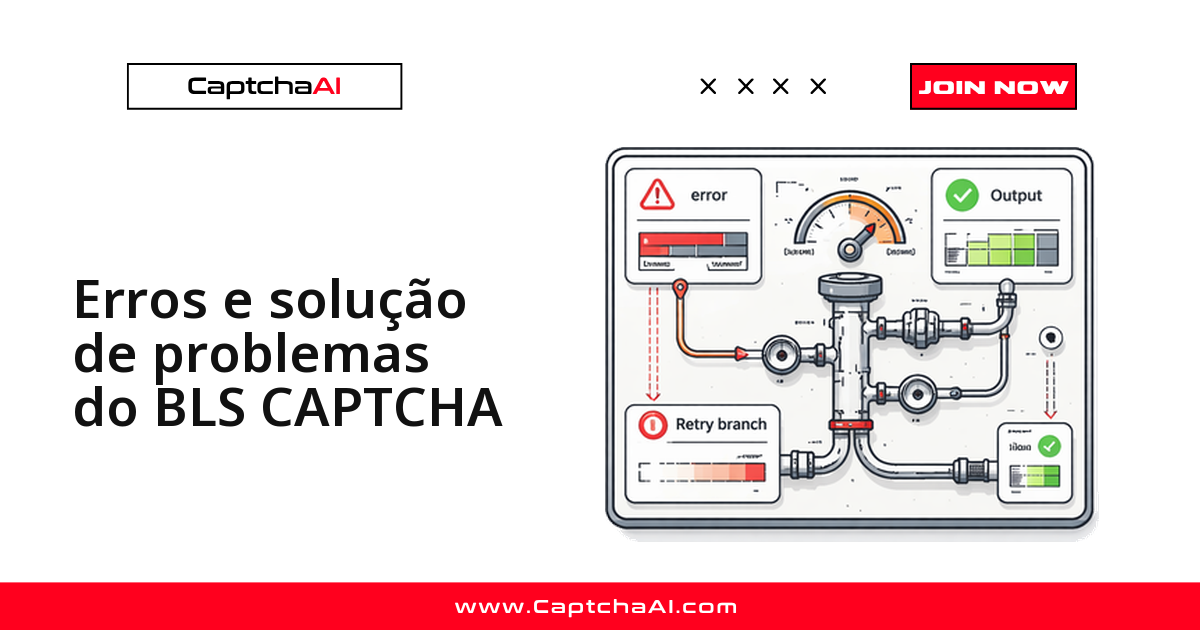
A maioria dos erros vem da extração, não da API em si:
| Erro | Causa | Correção |
|---|---|---|
ERROR_BAD_PARAMETERS |
Faltam a instrução ou as imagens | Envie o texto de instrução e pelo menos uma imagem |
ERROR_CAPTCHA_UNSOLVABLE |
Imagens desfocadas ou irreconhecíveis | Capture imagens em melhor qualidade e confirme que o base64 está correto |
| Imagens erradas selecionadas | A ordem das imagens não corresponde à exibida na página | Numere as imagens exatamente na ordem em que aparecem na tela |
| Solução rejeitada | As imagens mudaram entre a extração e o envio | Extraia e envie na mesma execução, sem atraso |
Exemplo completo em Python
import requests
import time
import base64
from selenium import webdriver
from selenium.webdriver.common.by import By

API_KEY = "YOUR_API_KEY"
driver = webdriver.Chrome()
driver.get("https://blsitalypakistan.com/appointment")

# 1. Extract instruction and images
instruction = driver.find_element(By.CSS_SELECTOR, ".captcha-instruction").text
captcha_imgs = driver.find_elements(By.CSS_SELECTOR, ".captcha-image img")

payload = {"key": API_KEY, "method": "bls", "instructions": instruction, "json": 1}
for i, img in enumerate(captcha_imgs, 1):
    src = img.get_attribute("src")
    if src.startswith("data:image"):
        payload[f"image_base64_{i}"] = src.split(",")[1]

# 2. Submit to CaptchaAI
resp = requests.post("https://ocr.captchaai.com/in.php", data=payload).json()
task_id = resp["request"]

# 3. Poll for solution
for _ in range(30):
    time.sleep(5)
    result = requests.get("https://ocr.captchaai.com/res.php", params={
        "key": API_KEY, "action": "get", "id": task_id, "json": 1
    }).json()
    if result.get("status") == 1:
        selected = [int(i) for i in result["request"].split(",")]
        break

# 4. Click correct images and submit
for idx in selected:
    captcha_imgs[idx - 1].click()
    time.sleep(0.3)
driver.find_element(By.CSS_SELECTOR, ".captcha-submit").click()

print("CAPTCHA solved!")
driver.quit()
Perguntas frequentes
Preciso do Selenium para extrair as imagens do BLS CAPTCHA?
Não. Qualquer ferramenta que leia o HTML da página funciona — Selenium, Puppeteer, Playwright ou até requisições HTTP diretas. A API bls da CaptchaAI só precisa das imagens em base64 e do texto de instrução; ela não sabe, nem precisa saber, como você as extraiu.
Quanto tempo leva a resolução de um BLS CAPTCHA pela API?
Entre 15 e 30 segundos na maioria dos casos. Desafios de reconhecimento de imagem como o BLS CAPTCHA levam mais tempo do que um CAPTCHA de texto simples, porque envolvem várias imagens e a correspondência com a instrução.
Qual plano da CaptchaAI faz sentido para automatizar agendamentos BLS?
Depende do volume de sessões simultâneas. Para testes e volume baixo, o BASIC (US$ 15/mês, 5 threads) resolve bem. Times que rodam várias sessões em paralelo costumam migrar para o STANDARD (US$ 30/mês, 15 threads) ou o ADVANCE (US$ 90/mês, 50 threads) — todos os planos incluem resoluções ilimitadas por thread.
O layout do BLS CAPTCHA mudou e minha extração parou de funcionar. O que fazer?
Páginas de agendamento BLS mudam periodicamente, e um seletor desatualizado é a causa mais comum de falha silenciosa. Antes de mexer no código, confira:
- Se
.captcha-instructione.captcha-image imgainda existem no HTML atual da página. - Se o número de imagens capturadas bate com o que aparece na tela.
Rode o script em modo não headless durante o diagnóstico para confirmar visualmente o que está sendo capturado.
É seguro automatizar formulários BLS que contêm dados pessoais de terceiros?
Só com autorização explícita do titular dos dados e em ambiente de teste controlado. Ao lidar com nome, número de passaporte e outros dados de formulário de visto, considere as obrigações da LGPD (Brasil) ou do RGPD (Portugal) antes de automatizar qualquer envio em produção.