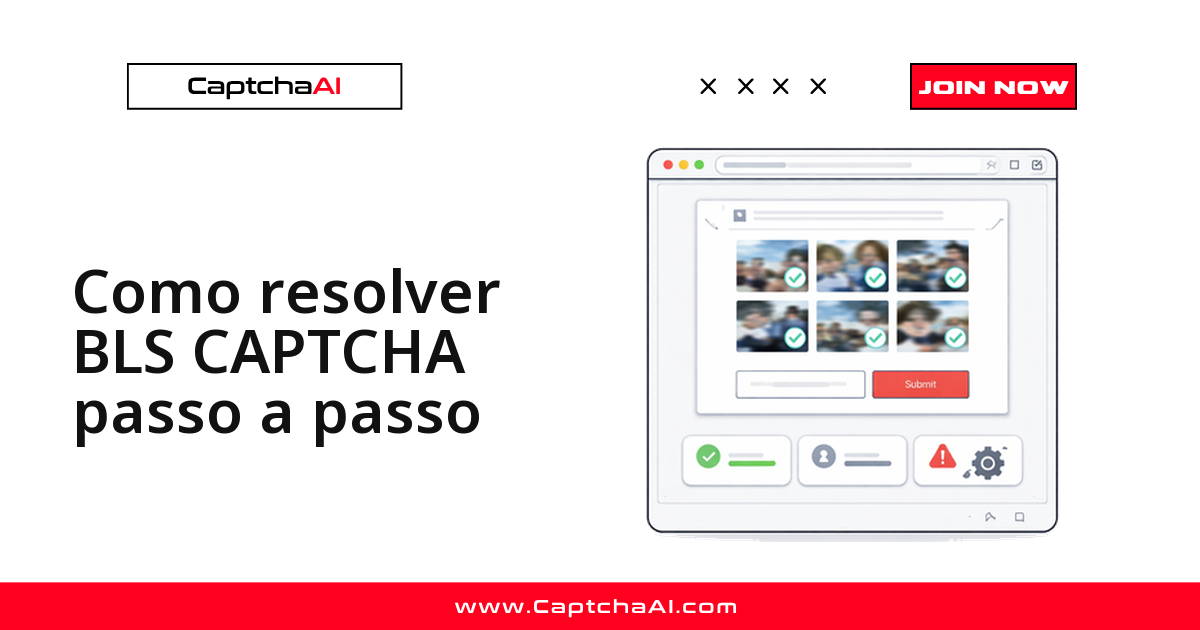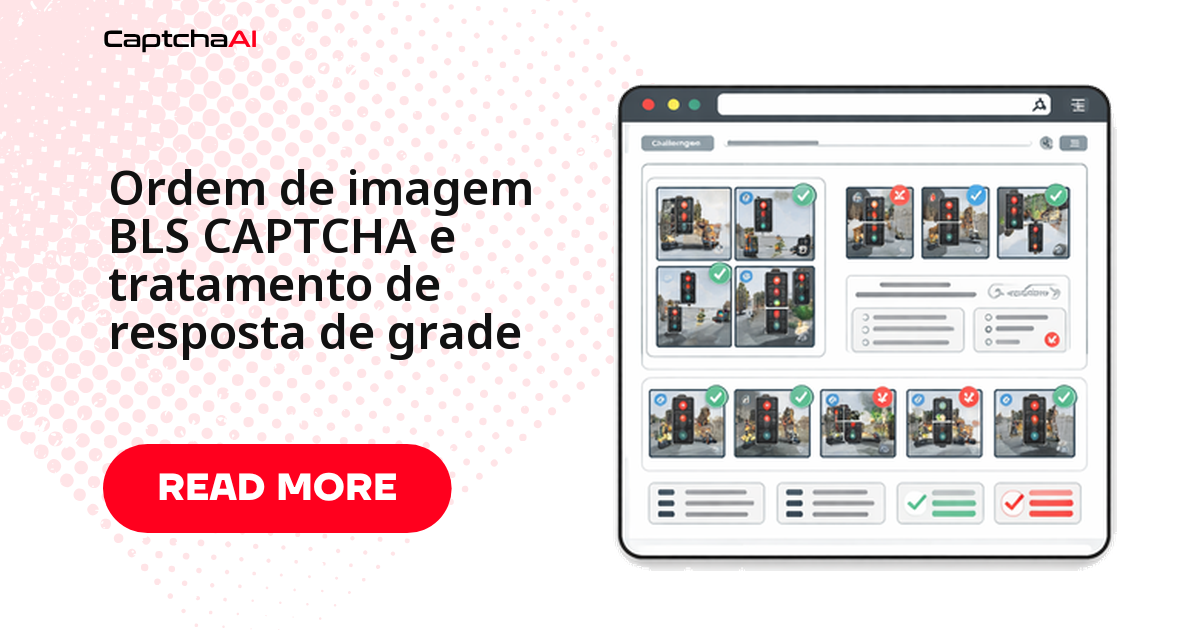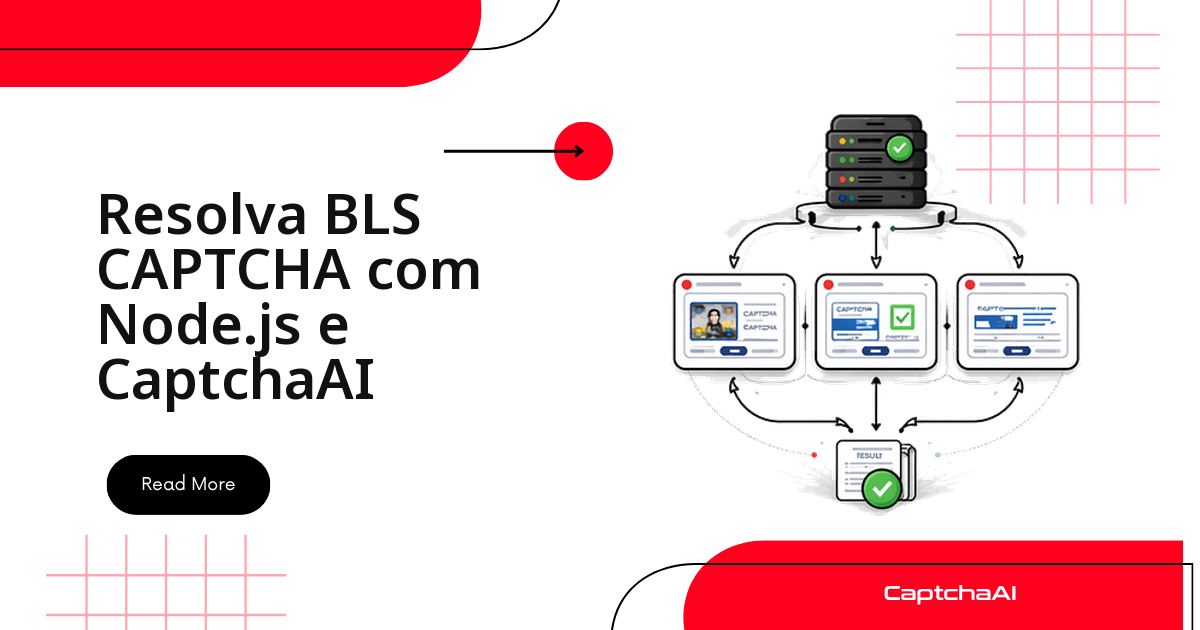
O BLS CAPTCHA não é um widget que devolve um token: ele é uma grade de nove imagens mais um código numérico que diz quais células clicar. Por isso a integração tem quatro movimentos, e não dois — você extrai as imagens, envia as nove em base64 junto com o código de instrução, consulta o resultado e clica nas células que a API indicou. Este guia mostra esse ciclo inteiro em Node.js, com axios e Puppeteer, no formato que você pode colar direto no seu projeto.
Vale entender a diferença antes de escrever a primeira linha: num reCAPTCHA você recebe uma string e a coloca em um campo oculto do formulário. No BLS, a CaptchaAI devolve uma lista de índices — algo como [1, 4, 7, 8] — e quem executa os cliques é o seu próprio navegador automatizado. A resposta da API é uma instrução, não um valor pronto para envio.
O que você precisa antes de começar
| Item | Valor |
|---|---|
| Chave de API CaptchaAI | De captchaai.com |
| Node.js | 14+ |
| Biblioteca | axios (npm install axios) |
O BLS está entre os tipos com suporte geral da CaptchaAI, ao lado de reCAPTCHA v2/v3, Cloudflare Turnstile e Challenge, GeeTest v3 e os CAPTCHAs de imagem e de grade.
Antes de rodar o primeiro teste, tenha em mãos:
- A chave de API do seu painel CaptchaAI, fora do código-fonte (variável de ambiente).
- Uma página com a grade renderizada — real ou de teste — e os seletores
.bls-instruction,.bls-grid imge.bls-submitconferidos no DevTools. - Saldo ativo na conta: uma grade rejeitada por
ERROR_ZERO_BALANCEparece um bug de código e não é.
O plano BASIC (US$ 15/mês, 5 threads) já cobre um piloto: a cobrança é por thread simultânea, com resolução ilimitada dentro do mês, então o que limita seu throughput é quantas grades você processa em paralelo — não quantas resolve no total.
Como a grade do BLS é numerada
A grade é 3x3, numerada da esquerda para a direita e de cima para baixo:
1 | 2 | 3
---------
4 | 5 | 6
---------
7 | 8 | 9
O código de instrução (por exemplo, "664") define o critério de seleção. A CaptchaAI responde com os índices das células que correspondem a esse critério. Guarde essa numeração: é ela que faz a ponte entre a resposta da API e o array de elementos do DOM que você vai clicar, e um deslocamento aqui é a causa mais comum de "resolveu, mas o formulário recusou".
Etapa 1: extraia as nove imagens e o código
Nesta etapa você abre a página, lê o texto da instrução e converte cada célula em base64. Imagens já embutidas como data: seguem direto; as demais são baixadas com axios e convertidas em memória.
const axios = require('axios');
const puppeteer = require('puppeteer');

const browser = await puppeteer.launch();
const page = await browser.newPage();
await page.goto('https://example.com/bls-form');

// Get instruction code
const instruction = await page.$eval('.bls-instruction', (el) => el.textContent.trim());

// Get all 9 cell image URLs and convert to base64
const cellImages = await page.$$eval('.bls-grid img', (imgs) =>
  imgs.map((img) => img.src)
);

const images = [];
for (const src of cellImages) {
  if (src.startsWith('data:')) {
    images.push(src);
  } else {
    const { data } = await axios.get(src, { responseType: 'arraybuffer' });
    const b64 = Buffer.from(data).toString('base64');
    images.push(`data:image/png;base64,${b64}`);
  }
}
Confira que o array chegou com nove posições antes de seguir. Uma grade incompleta é rejeitada no envio, e o erro que volta descreve o sintoma, não a causa.
Etapa 2: envie a grade para a CaptchaAI
O envio usa method: 'bls' e nomeia cada imagem como image_base64_1 até image_base64_9. O código de instrução vai no campo instructions. A requisição é um POST comum para in.php, e a resposta traz o identificador da tarefa.
const API_KEY = 'YOUR_API_KEY';
const sleep = (ms) => new Promise((r) => setTimeout(r, ms));

const params = new URLSearchParams({
  key: API_KEY,
  method: 'bls',
  instructions: instruction,
  json: '1',
});

// Add all 9 images
images.forEach((img, i) => {
  params.append(`image_base64_${i + 1}`, img);
});

const { data: submitData } = await axios.post(
  'https://ocr.captchaai.com/in.php',
  params.toString()
);

if (submitData.status !== 1) throw new Error(submitData.request);
const taskId = submitData.request;
console.log(`Task submitted: ${taskId}`);
Etapa 3: consulte o resultado em res.php
O polling é uma consulta a cada cinco segundos, com um teto de tentativas. Só CAPCHA_NOT_READY justifica continuar; qualquer outro valor em request é erro e deve interromper o laço em vez de queimar as trinta iterações restantes.
await sleep(5000);

let selectedCells;
for (let i = 0; i < 30; i++) {
  const { data: pollData } = await axios.get('https://ocr.captchaai.com/res.php', {
    params: { key: API_KEY, action: 'get', id: taskId, json: 1 },
  });

  if (pollData.status === 1) {
    selectedCells = JSON.parse(pollData.request);
    console.log('Selected cells:', selectedCells);
    break;
  }
  if (pollData.request !== 'CAPCHA_NOT_READY') {
    throw new Error(pollData.request);
  }
  await sleep(5000);
}
Etapa 4: clique nas células indicadas
Aqui aparece o detalhe que mais gera bug: a API numera as células de 1 a 9, mas o array do Puppeteer começa em 0. Daí o cellNum - 1. Depois dos cliques, o formulário é enviado normalmente e o navegador é fechado.
// Click each identified cell
const gridCells = await page.$$('.bls-grid img');
for (const cellNum of selectedCells) {
  await gridCells[cellNum - 1].click();
}

// Submit the form
await page.click('.bls-submit');
console.log(`Solved: clicked cells ${JSON.stringify(selectedCells)}`);
await browser.close();
Saída esperada:
Selected cells: [1, 4, 7, 8]
Solved: clicked cells [1,4,7,8]
Onde esse fluxo costuma quebrar
| Erro | Causa | Correção |
|---|---|---|
ERROR_BAD_PARAMETERS |
Imagens ou instrução ausentes | Envie as 9 imagens e o código de instrução |
CAPCHA_NOT_READY |
Ainda em processamento | Continue consultando a cada 5 segundos |
ERROR_ZERO_BALANCE |
Saldo zerado | Recarregue sua conta CaptchaAI |
Se a API responde corretamente mas o formulário recusa, o problema quase nunca está na resolução. Percorra esta lista, nesta ordem:
- O seletor
.bls-grid imgretorna exatamente nove elementos, na mesma ordem visual da grade? - O clique do Puppeteer dispara o evento que a página realmente escuta, ou a marcação depende de um handler no elemento pai?
- A grade foi recarregada entre a extração e o clique? Nesse caso os índices já não valem e o ciclo precisa recomeçar.
Um cenário prático: portais de agendamento
O contexto em que o BLS mais aparece para times de língua portuguesa é o de portais de agendamento, em que a grade antecede a tela de disponibilidade. Trate esse cenário com o cuidado que ele exige: automatize apenas contas e processos que são seus, registre o que foi coletado e considere as obrigações da LGPD (RGPD em Portugal) quando houver dados pessoais no fluxo. Para validar a integração sem tocar em um portal real, monte um formulário de teste em https://staging.example.com/bls-form com nove imagens fictícias — o caminho de código é idêntico e você economiza tentativas.
Para quem roda workers em uma região brasileira de nuvem, como sa-east-1, a latência de rede até o endpoint costuma pesar mais no tempo total do que a resolução em si, que fica abaixo de 1 s para o BLS. Meça as duas partes separadamente antes de concluir que "a API está lenta": cronometre o POST em in.php, o intervalo até a primeira consulta bem-sucedida e o tempo dos cliques no navegador.
Perguntas frequentes
Preciso mesmo de um navegador para resolver o BLS?
Sim, e essa é a diferença central em relação ao reCAPTCHA. A API devolve índices de células, não um token — alguém precisa executar os cliques na página. Puppeteer, Playwright ou Selenium servem igualmente bem.
O que fazer quando o código de instrução vem vazio?
Interrompa antes de enviar. Instrução vazia gera ERROR_BAD_PARAMETERS e consome uma tentativa à toa. Aguarde o seletor .bls-instruction renderizar e só então leia o texto.
Quantas grades consigo processar ao mesmo tempo?
Uma por thread do seu plano. No BASIC (US$ 15/mês, 5 threads) são cinco grades simultâneas, com resolução ilimitada no mês; para mais paralelismo, suba de plano em vez de tentar espremer o mesmo número de threads.
O BLS funciona com grades 4x4?
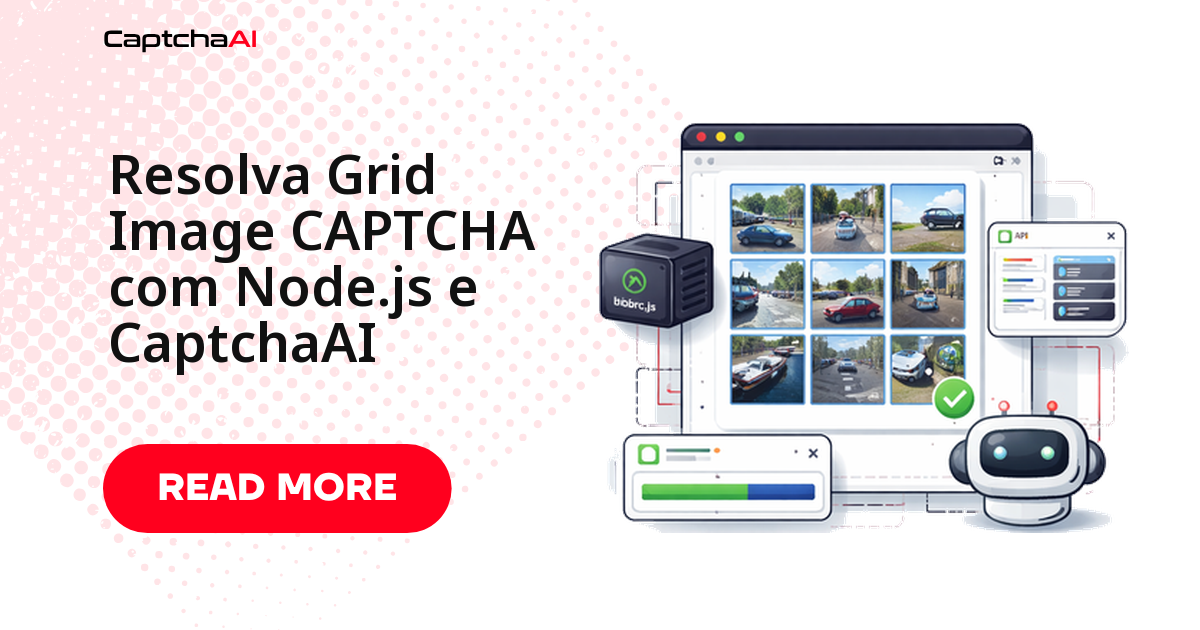
Não. O BLS trabalha com grades 3x3 de nove células. Para outros formatos de grade, use o método Grid Image.
Dá para trocar o Puppeteer pelo Playwright?
Dá, e sem mexer na integração. As etapas 2 e 3 são apenas requisições HTTP; mudam somente as chamadas de automação do navegador nas etapas 1 e 4.