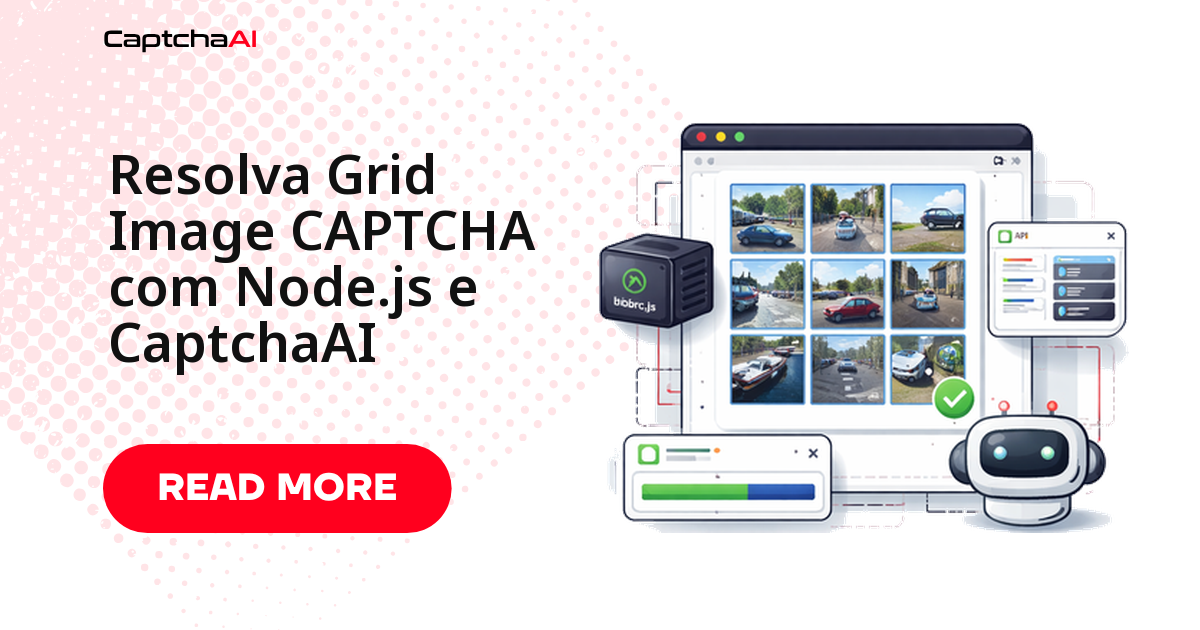
Se o seu script em Node.js travou diante de uma grade "selecione todos os quadrados com semáforos", a resposta curta é: o reconhecimento não precisa acontecer no seu código. Você tira um print da grade, envia a imagem com o texto da instrução para a API da CaptchaAI e recebe a lista de células a clicar. O clique continua sendo do seu navegador automatizado — a API devolve só os índices.
A grade não é um tipo separado de desafio: é a tela que o reCAPTCHA v2 mostra quando a caixa "Não sou um robô" não confia o suficiente na sessão. E ela costuma aparecer no pior momento — no meio de um teste de regressão noturno, quando ninguém está olhando. O fluxo abaixo usa Puppeteer no navegador e axios nas chamadas HTTP.
O fluxo completo em quatro etapas
Antes do código, o mapa do que será construído:
- Capturar — achar o iframe do desafio, ler a instrução e salvar um print só da área da grade.
- Enviar — POST multipart para
in.phpcom a imagem, ogrid_sizee asinstructions. - Consultar — polling em
res.phpaté a resposta sair, tratandoCAPCHA_NOT_READYcomo "ainda processando". - Clicar — mapear os números devolvidos para os blocos do DOM e confirmar na verificação.
O ponto que mais gera dúvida é o terceiro: a API é assíncrona. O envio devolve um ID de tarefa, não a resposta — quem tenta ler o resultado no mesmo instante recebe CAPCHA_NOT_READY e conclui, erradamente, que a integração está quebrada.
Pré-requisitos
| Item | Valor |
|---|---|
| Chave de API CaptchaAI | Disponível em captchaai.com |
| Node.js | 14+ |
| Bibliotecas | axios, puppeteer |
Guarde a chave de API em uma variável de ambiente, nunca no script. Nos exemplos ela aparece como YOUR_API_KEY só por legibilidade.
Etapa 1: capturar a imagem da grade
O desafio visual vive em um iframe próprio, diferente do iframe da caixa de seleção. Filtre os frames por recaptcha/api2/bframe, leia a instrução (é ela que diz o que procurar) e recorte o print no elemento da grade — enviar a página inteira derruba a qualidade da leitura.
const puppeteer = require('puppeteer');
const fs = require('fs');

const browser = await puppeteer.launch();
const page = await browser.newPage();
await page.goto('https://example.com/page-with-recaptcha');

// Switch to the reCAPTCHA challenge iframe
const frames = page.frames();
const challengeFrame = frames.find((f) => f.url().includes('recaptcha/api2/bframe'));

// Get the instruction text
const instruction = await challengeFrame.$eval(
  '.rc-imageselect-desc-no-canonical',
  (el) => el.textContent.trim()
);

// Screenshot the grid
const grid = await challengeFrame.$('.rc-imageselect-target');
await grid.screenshot({ path: 'grid.png' });
Se challengeFrame vier undefined, o desafio ainda não abriu: clique na caixa de verificação e aguarde o frame surgir.
Etapa 2: enviar a grade para a CaptchaAI
O envio é um POST multipart para in.php. Três campos merecem atenção: grid_size descreve o formato (3x3 ou 4x4), img_type identifica a origem do desafio e instructions carrega o texto lido na etapa anterior. Mantenha json=1 para receber uma resposta estruturada.
const axios = require('axios');
const FormData = require('form-data');

const API_KEY = 'YOUR_API_KEY';
const sleep = (ms) => new Promise((r) => setTimeout(r, ms));

const form = new FormData();
form.append('key', API_KEY);
form.append('method', 'post');
form.append('grid_size', '3x3');
form.append('img_type', 'recaptcha');
form.append('instructions', instruction);
form.append('json', '1');
form.append('file', fs.createReadStream('grid.png'));

const { data: submitData } = await axios.post('https://ocr.captchaai.com/in.php', form, {
  headers: form.getHeaders(),
});

if (submitData.status !== 1) throw new Error(submitData.request);
const taskId = submitData.request;
console.log(`Task submitted: ${taskId}`);
status igual a 1 traz o ID da tarefa em request. Qualquer outro valor é código de erro — registre no log.
Etapa 3: consulte o resultado
Agora o polling. Espere alguns segundos antes da primeira consulta, use um intervalo fixo e defina um teto de tentativas para o loop nunca ficar preso. CAPCHA_NOT_READY significa "continue esperando"; qualquer outra string é erro real e interrompe a execução.
await sleep(5000);

let cellsToClick;
for (let i = 0; i < 30; i++) {
  const { data: pollData } = await axios.get('https://ocr.captchaai.com/res.php', {
    params: { key: API_KEY, action: 'get', id: taskId, json: 1 },
  });

  if (pollData.status === 1) {
    cellsToClick = JSON.parse(pollData.request);
    console.log('Click cells:', cellsToClick);
    break;
  }
  if (pollData.request !== 'CAPCHA_NOT_READY') {
    throw new Error(pollData.request);
  }
  await sleep(5000);
}
O retorno é um array de células, contadas da esquerda para a direita e de cima para baixo, a partir de 1.
Etapa 4: clique nos blocos corretos
Os índices devolvidos começam em 1; a lista de elementos do DOM começa em 0. Daí o - 1 no acesso ao array — o erro mais comum aqui. O intervalo curto entre os cliques evita que o widget descarte uma sequência disparada de uma vez.
const tiles = await challengeFrame.$$('.rc-imageselect-tile');

for (const cellNum of cellsToClick) {
  await tiles[cellNum - 1].click();
  await sleep(300);
}

// Click verify
await challengeFrame.click('#recaptcha-verify-button');
console.log(`Solved: clicked tiles ${JSON.stringify(cellsToClick)}`);
await browser.close();
Resultado esperado no console:
Click cells: [1, 3, 6, 9]
Solved: clicked tiles [1,3,6,9]
Erros comuns e o que fazer
| Sintoma | Causa provável | Correção |
|---|---|---|
ERROR_ZERO_BALANCE |
Saldo ou plano expirado | Verifique o saldo no painel antes de rodar lotes grandes |
Sempre CAPCHA_NOT_READY |
Primeira consulta cedo demais | Aguarde 5 s antes da primeira consulta e mantenha o intervalo |
| Células erradas selecionadas | Print com margens ou da página inteira | Recorte apenas o elemento .rc-imageselect-target |
| Instrução vazia | O seletor da instrução mudou | Leia o texto do frame e falhe cedo se vier vazio |
| Verificação recusada | A grade recarregou com novas imagens | Capture e envie novamente na nova rodada |
Quando a automação de navegador falha mas a chamada direta à API funciona, o problema está no navegador, não na resolução — isole os dois caminhos antes de mexer na integração.
Threads, volume e custo em um cenário real
Imagine uma equipe em São Paulo que roda a suíte de regressão do próprio checkout às 3h, com os workers em sa-east-1: 40 cenários por execução e um em cada quatro esbarra em uma grade — cerca de 10 desafios por noite, em série.
A cobrança da CaptchaAI é por thread simultânea, com resoluções ilimitadas no plano, e não por desafio. Para esse volume noturno, o BASIC (US$ 15/mês, 5 threads) sobra; um pipeline de CI com dezenas de execuções paralelas por hora se acomoda melhor no ADVANCE (US$ 90/mês, 50 threads). O que importa não é o total de desafios no mês, e sim quantos você resolve ao mesmo tempo no pico.
Vale ser exato sobre os tipos: grades de imagem, CAPTCHAs de imagem/OCR, reCAPTCHA v2 e v3, Cloudflare Turnstile e GeeTest v3 são suportados; CaptchaFox, Friendly Captcha e Lemin estão em beta; hCaptcha e FunCaptcha não são suportados, e o GeeTest v4 aparece apenas como "em breve".
Uso responsável e conformidade
Esse fluxo pertence a ambientes que você tem autorização para automatizar: staging próprio, QA de formulários internos, monitoramento contratado. Se a rotina registra dados pessoais, considere as obrigações da LGPD (RGPD em Portugal) — prints e HTML capturado retêm mais do que a equipe imagina. Guarde só o necessário e defina um prazo de expurgo.
Perguntas frequentes
Funciona com grades 4×4?
Sim. Basta enviar grid_size como 4x4. O resto não muda: o retorno continua sendo uma lista de células, agora de 1 a 16.
Qual a diferença entre a grade e um CAPTCHA de imagem comum?
O CAPTCHA de imagem clássico devolve texto — as letras distorcidas que você digita. A grade devolve posições: quais blocos clicar. Os dois usam o mesmo endpoint, mas instructions e grid_size só fazem sentido na grade.
Preciso mesmo de um navegador?
Para a grade, sim: o print vem do DOM real e o clique precisa acontecer no widget. É diferente do reCAPTCHA v2 padrão, em que basta a sitekey e a URL da página.
E as grades do hCaptcha?
Não temos suporte a hCaptcha. Este tutorial cobre a grade de imagens do reCAPTCHA v2; para outros tipos, confira antes a lista oficial de métodos suportados.
Quanto tempo costuma levar cada resolução?
Alguns segundos na maioria dos casos, mas trate o tempo como variável: mantenha o teto de tentativas, registre o tempo de resolução e use um timeout que não trave a suíte inteira.
Guias relacionados
- O mesmo fluxo em Python, do print ao clique
- Como funciona a resolução automática de grades de imagem